This is my Game: https://sair-strike.itch.io/mine-clickers
For this week, I was given a task to fully create a cookie clicker game on unity and publish that game on a website called itch.io. When being introduced with the task, we where learning how to create the building blocks of our game. We where sent video step by guides on how to make our own cookie clicker game made by one of our lecturers. Those videos gave us an in-depth view on how we start working.
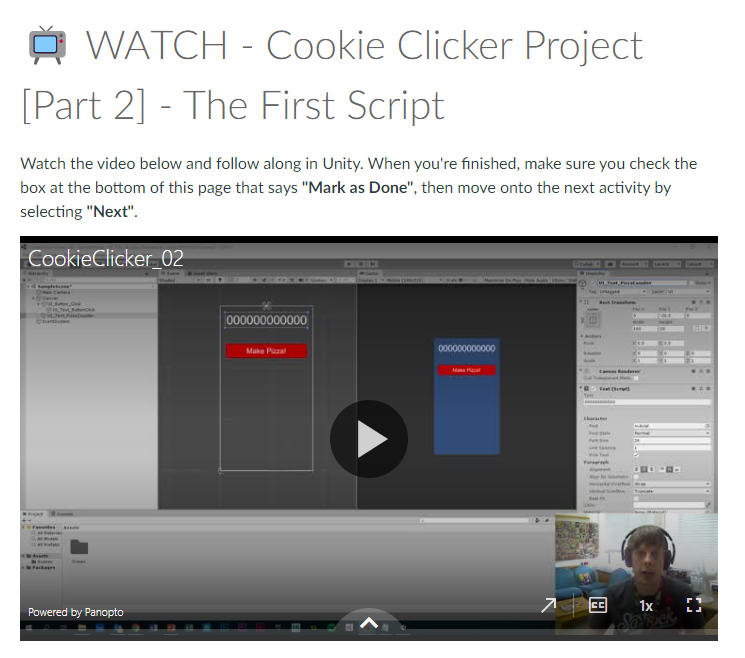
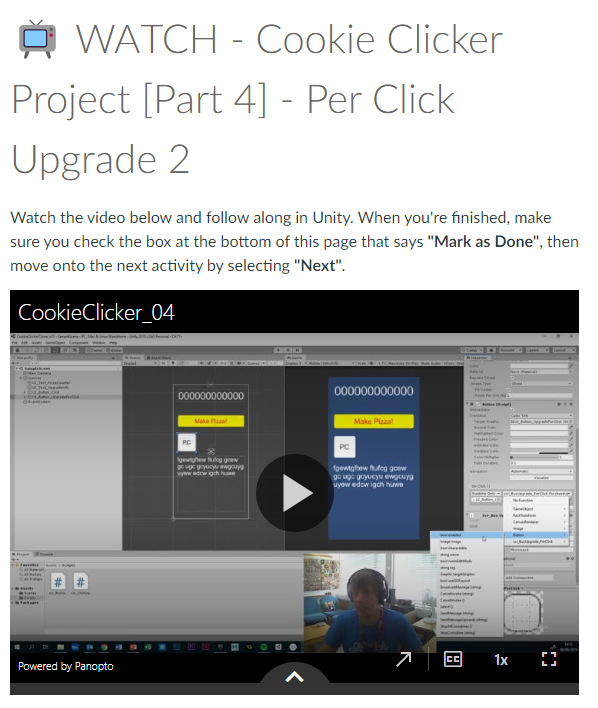
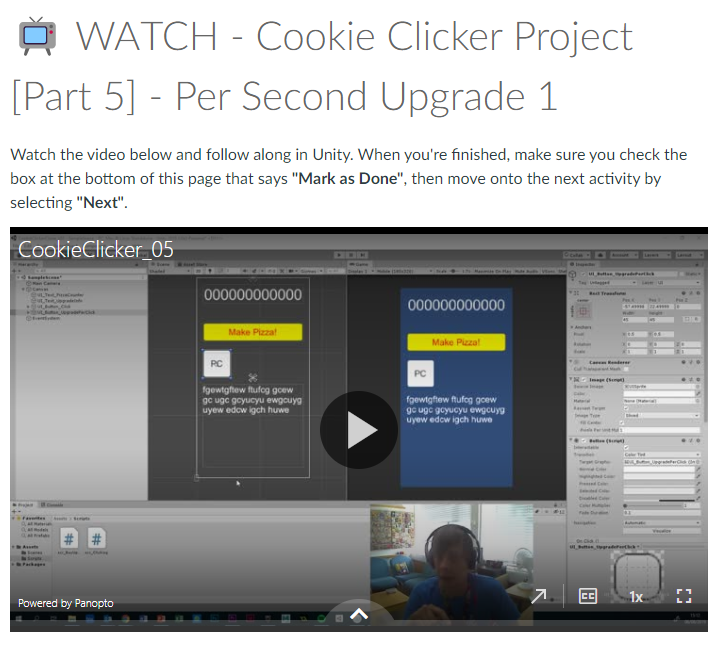
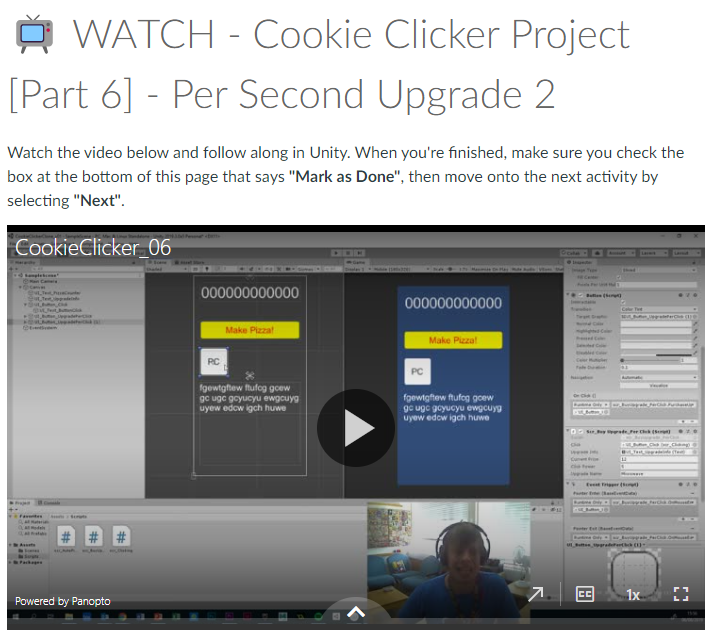
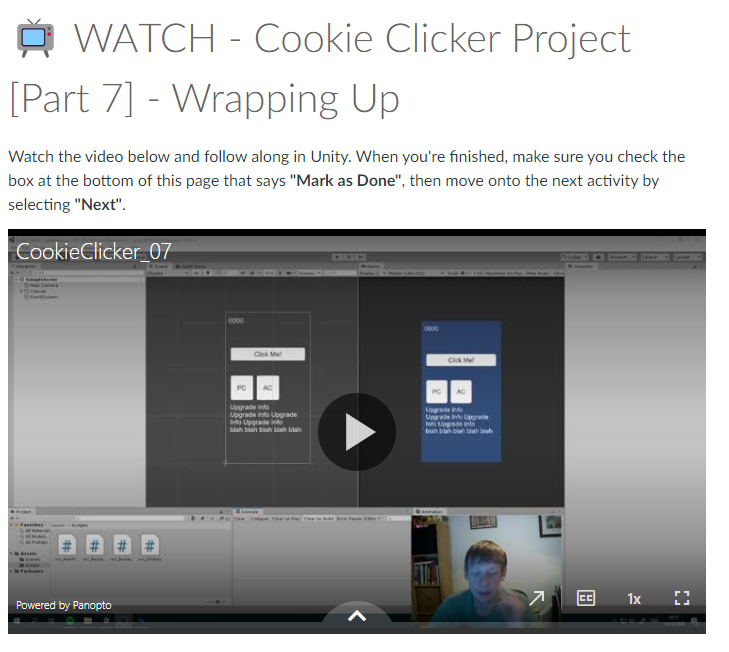
Those videos helped me understand and familiarise the functions, scripture and the software itself. The contents of those videos include the introduction, UI Setup, Scripting, Function linking and finalising for release. During this period, I have learned how to use unity to create an interactable UI using scripts guided to me using the videos. I have learned how to add components to the buttons I need to make this cookie clicker game and have learned how to use scripting within unity by following the video to the point. I also learned that scripting is very strict meaning a single character out of place or missing, the entire script wont work.
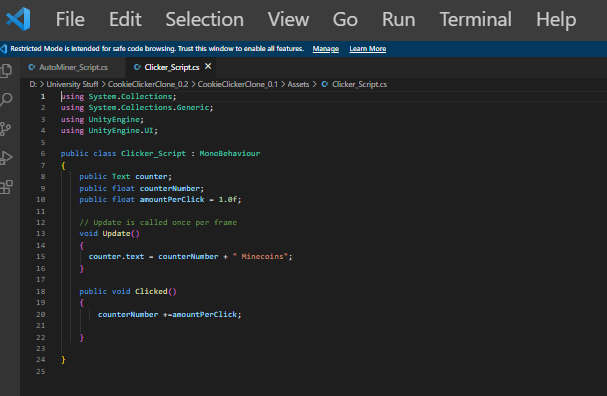
This is an example of one of my scripts I made using the video tutorial’s guidance. When making the scripts I was copying the layout of the script character by character. But I do change the script to make it fit to my game. I did have a lot trouble with understanding unity and it’s complex features and the process was very stressful. I also learned when editing the script and I get something wrong, unity tells me where the mistake is by telling me the line number and the word location. This is very helpful when fixing the problem and when you double click on the error, it will take you to the exact area that is causing the issue.
I managed to create a working main button for the clicker game and have added a counter to show how many Minecoins the player has. I made so that every time you click the main button, the counter goes up every click with the help of scripts. Furthermore, I have created more buttons categorised as upgrade buttons. I have followed and took close attention to the video tutorial that talks about coding and creating the scripts for the upgrade buttons. Overall I have made two different (named PC and AC) buttons one allows you to purchase to gain more when you click on the main button and the second button allows you to purchase a miner that adds 1 Minecoin every second automatically.
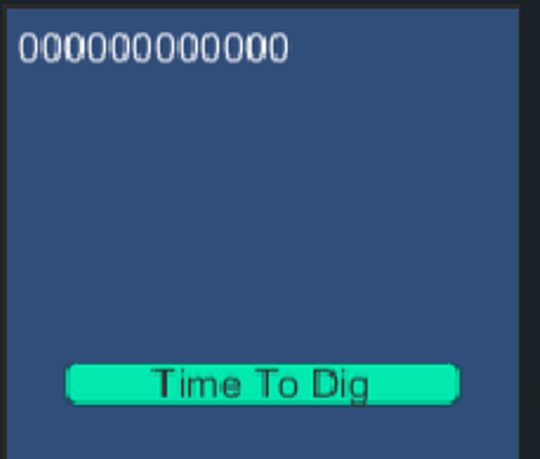
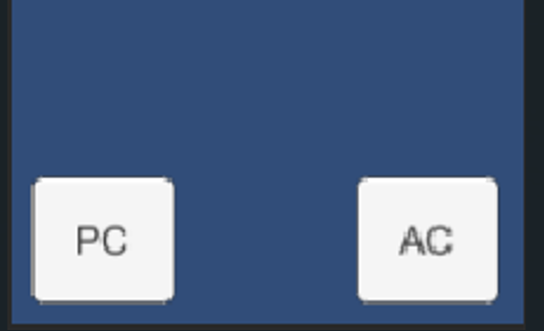
I got to a point where I have completed the scripting and functional part of my game. I was ready for the final looks and the publishing of the game. The video I was on talked about how to implement a sprite on a button. I have created a sprite on Photoshop and made a button. When implementing the sprite onto the PC button, I tried to test the game and the button didn’t work for some reason. I tried to figure out the the issue by myself and I couldn’t. I later found out that the PC button functionality has disappeared. I still had no idea how to fix the issue and have decided to get support from one of my lecturers, Stuart. Me and Stuart decided on me taking my laptop to university so I can use unity without any saving issues since I’m using the same computer.
So I brought my laptop to university and attended the lab work session. Me and Stuart looked into the cookie clicker unity file and found out that I had multiple issues with the unity file. First of all, I have added an un necessary amount of functions within my unity project which is cluttering the canvas. I have fixed the issue by deleting those functions that do nothing to the game and clutter the file and maybe slow the game. The second issue was something to do with the auto Miner button which is the button named (AC). When I start the play test the game started by adding Minecoins every second. I fixed this issue by removing the adding of plus one in the auto mine feature that starts as soon as you start the game. The third and more important issue was the button sprite problem where the button didn’t work anymore. I have somehow deleted the functionality when adding the sprite. The solution to that is to ad a new button component and add the script like I did before. I have to add a component, search for the button component and find the script assigned to it, and find the purchase when clicked function. The problem seemed hard and incomprehensible but it ended up having a surprisingly simple solution.
I have fully designed the game and created the icons and buttons and coloured the background to fit the style:
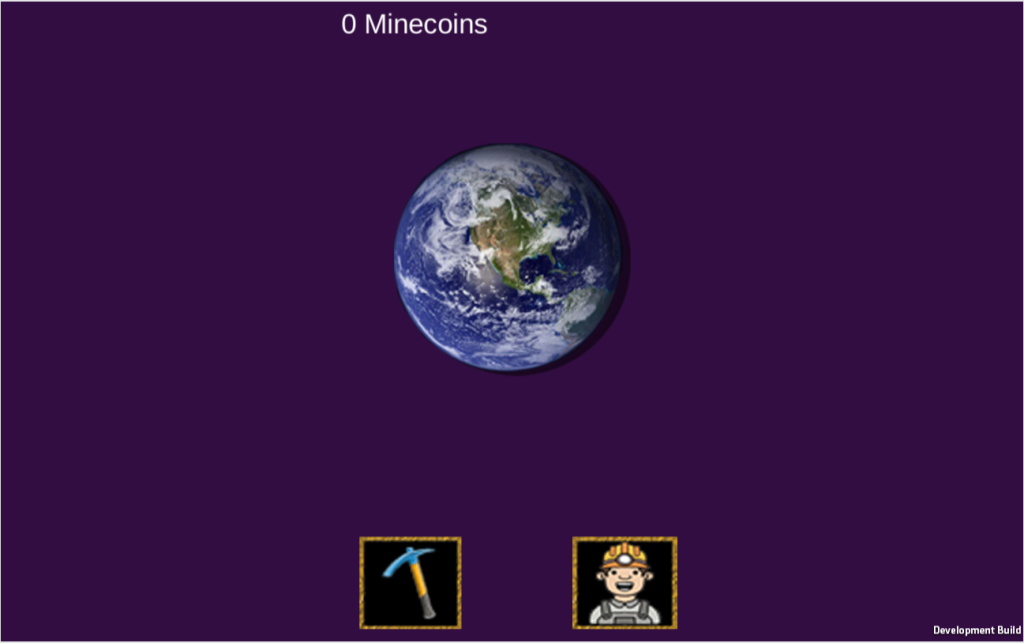
For the final part of my project is to post it on a website. I have followed the final video step by step guide showing me what to do. I have made a build and saved a HTML version of the unity file. I had to get a software called WEBGL to able me to get the HTML version of my game. I created my own Itch.io account and went through a process of implementing my game onto the website. I was very successful in completing that task.
I have given my family a try at my cookie clicker clone and they said that they liked the colours, style and the functionality. They also said that it’s great for my first game. They also said some feedback. Those include: there are some inconsistency of the upgrade info, where the mouse hovers and behaves differently and the info ends up staying on screen if its a touchscreen device. The Minecoins counter is left oriented when at full screen. They said that they are collecting Minecoins outside the world button.
They also said a quality of life improvement for example a price tag of the current prices of the upgrade buttons will be useful to be displayed all the time. Overall, I enjoyed making the game and learning to overcome issues with the unity files. For a first time I was indeed struggling understanding some mechanics of unity. But I enjoyed the scripting as long as they work as planed. I have learned to be more independent in myself and remember that the toughest problems may have the simplest solutions.