Introduction
In this course, I was given an assignment to create a 3D Environment with a centre piece within. I was also given a choice of 4 different main themes plus a range of subthemes that could assist me in my idea and research generating of my assignment.
Research
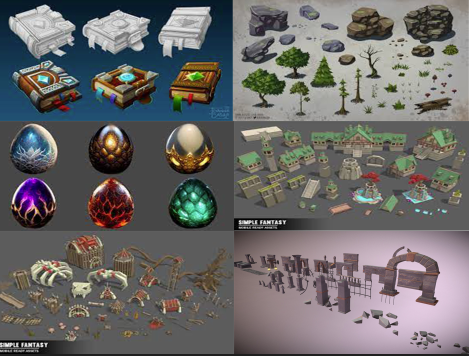
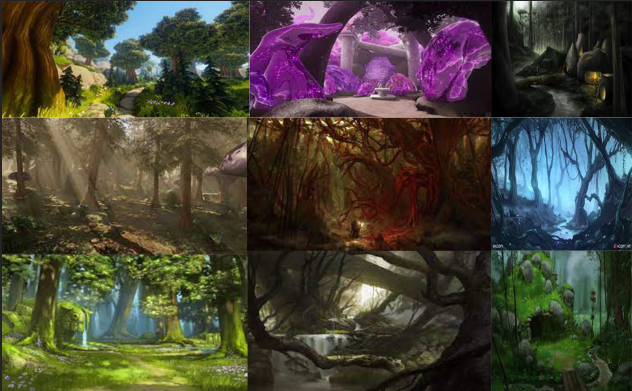
When researching the themes and taking part in the lectures I came up with a mood board of the main theme of my environment design. It helped me with the idea of doing a fantasy type environment but I haven’t figured my sub-theme until recently.
Concept Art
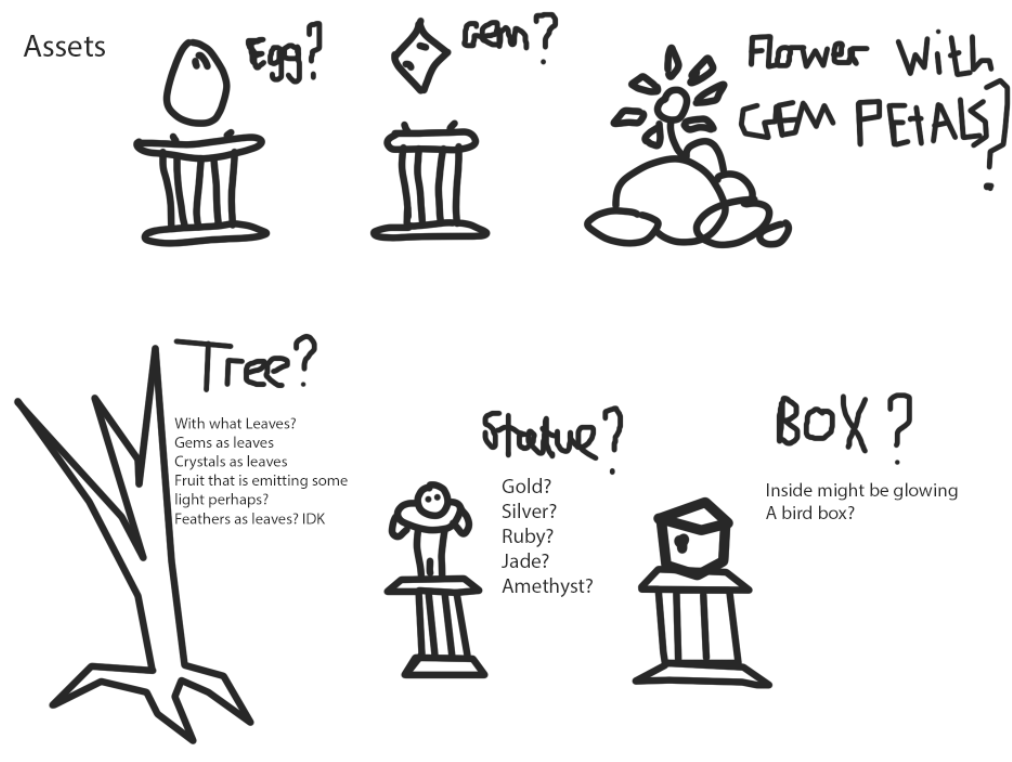
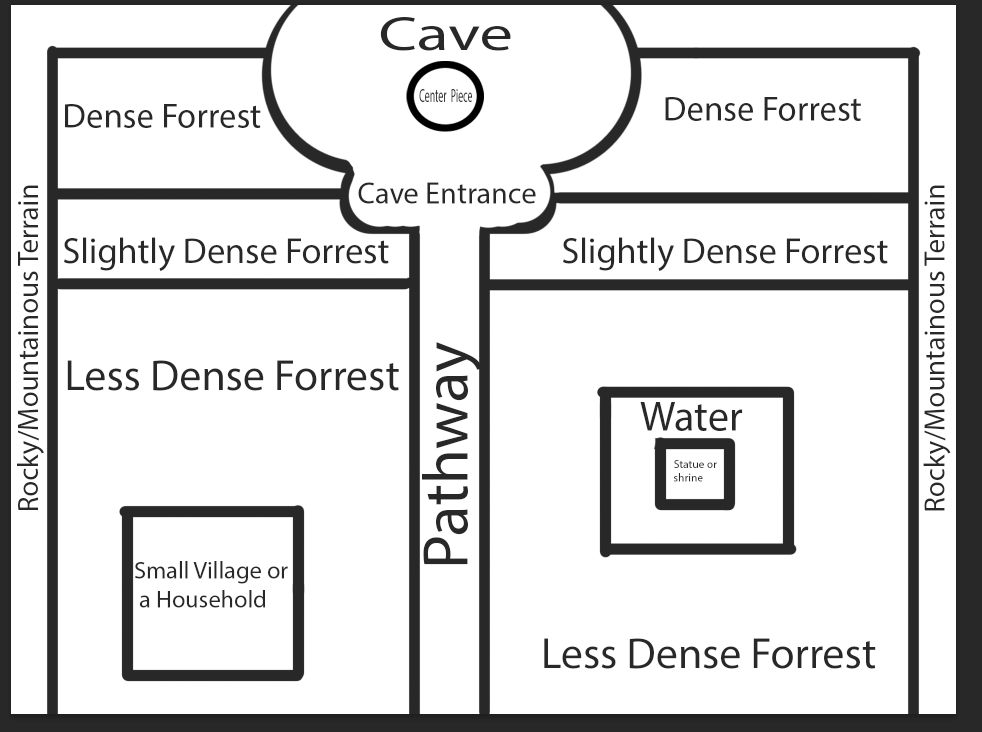
I have designed a very basic bird’s eye view of the map idea of my environment. I planned to create a fairly large landscape with a forest that gets denser the more you venture through. Within the forest, I had ideas of placing a small village on the left and a statue or shrine on the right. In the middle of the landscape there is a pathway leading to a cave entrance that leads to a massive area in the cave. Surrounding the forest, I’m planning to create a rocky mountain terrain.
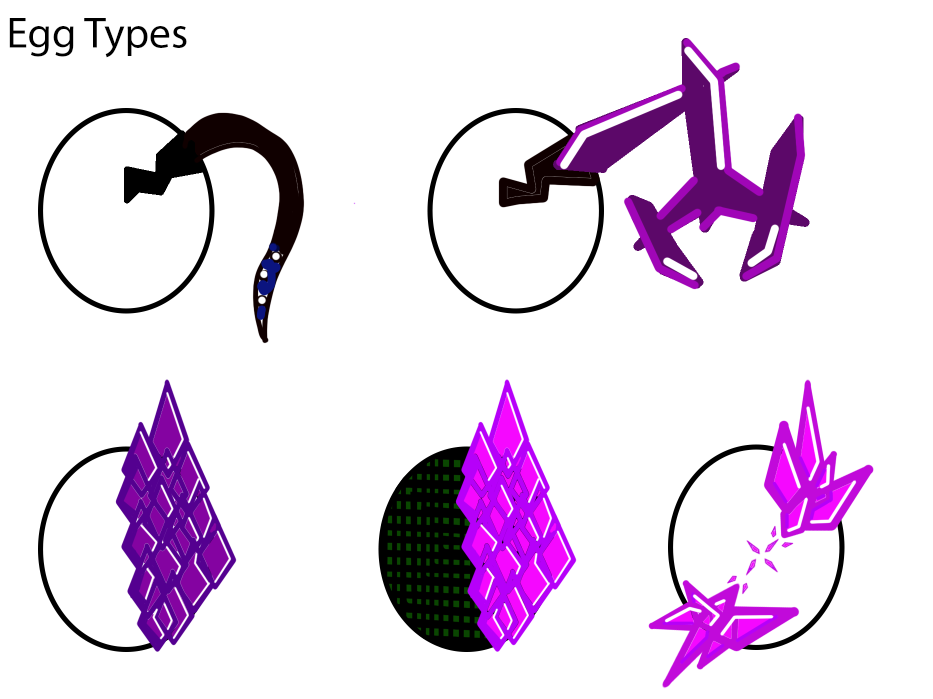
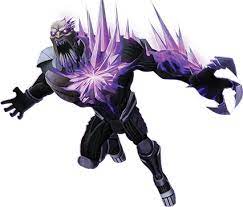
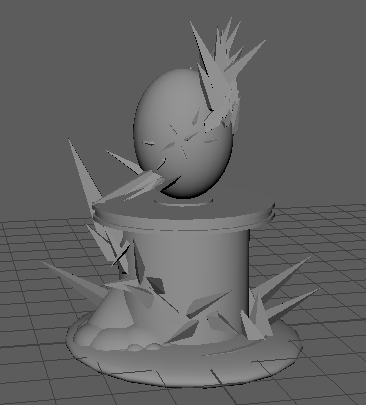
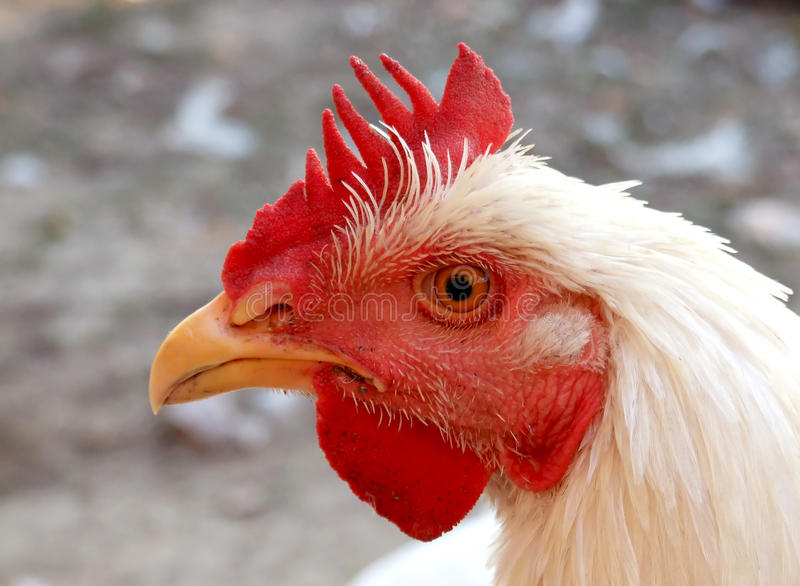
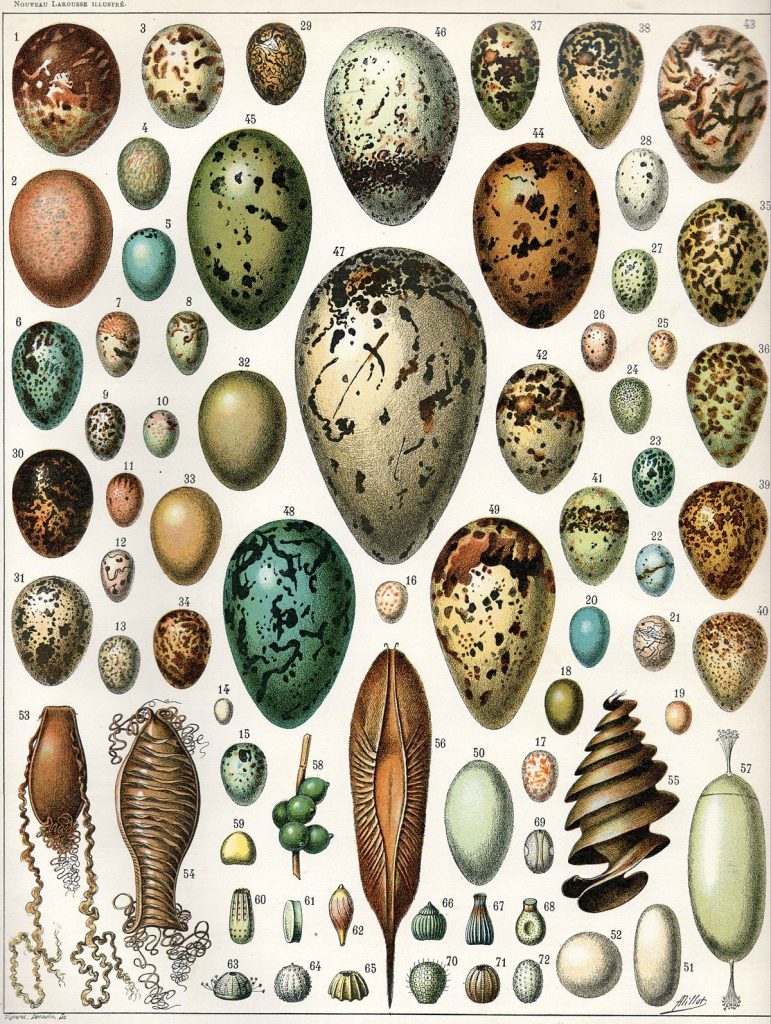
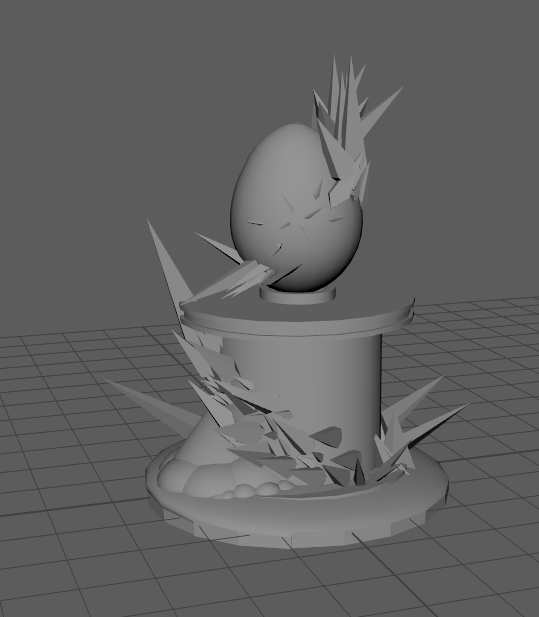
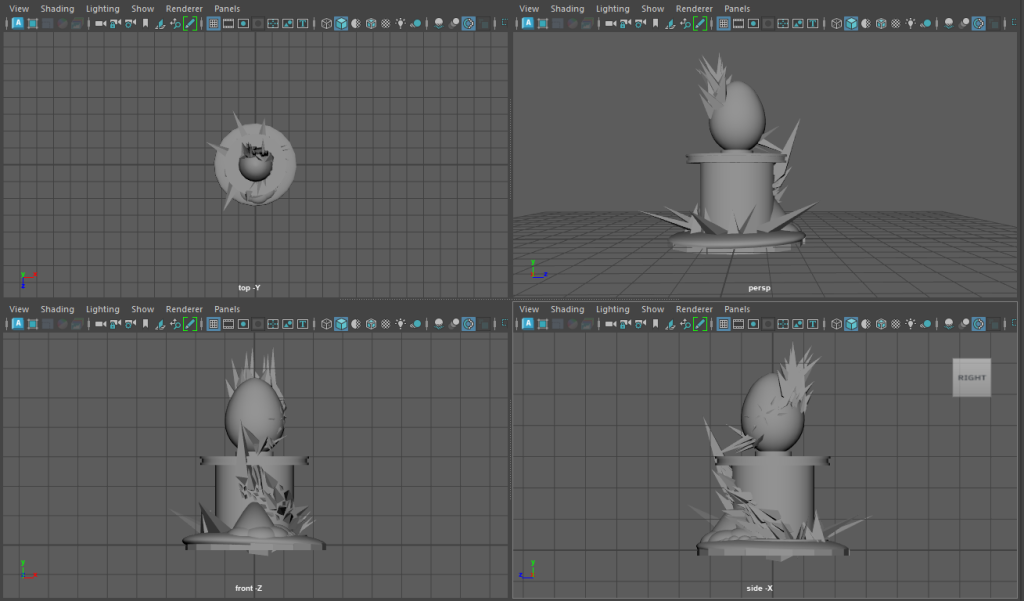
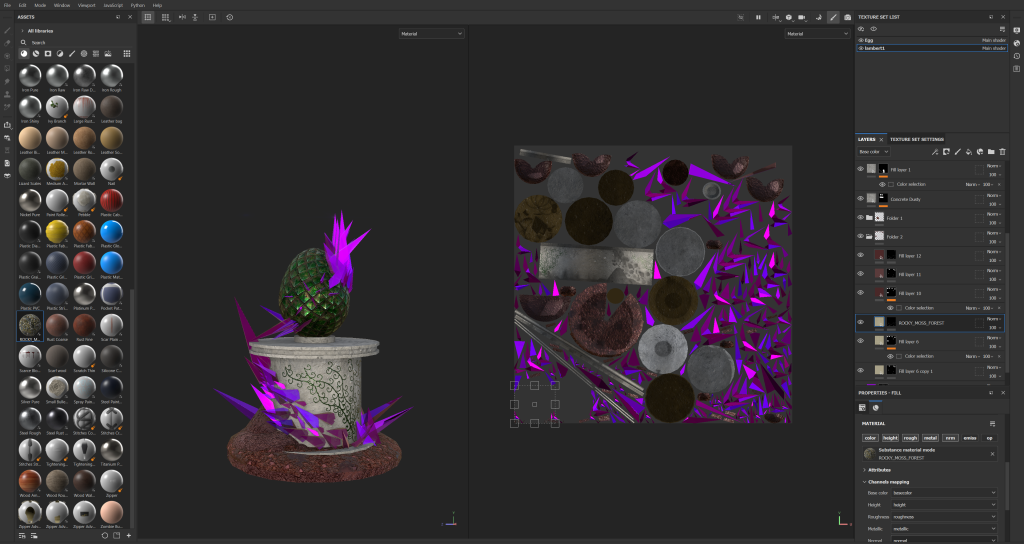
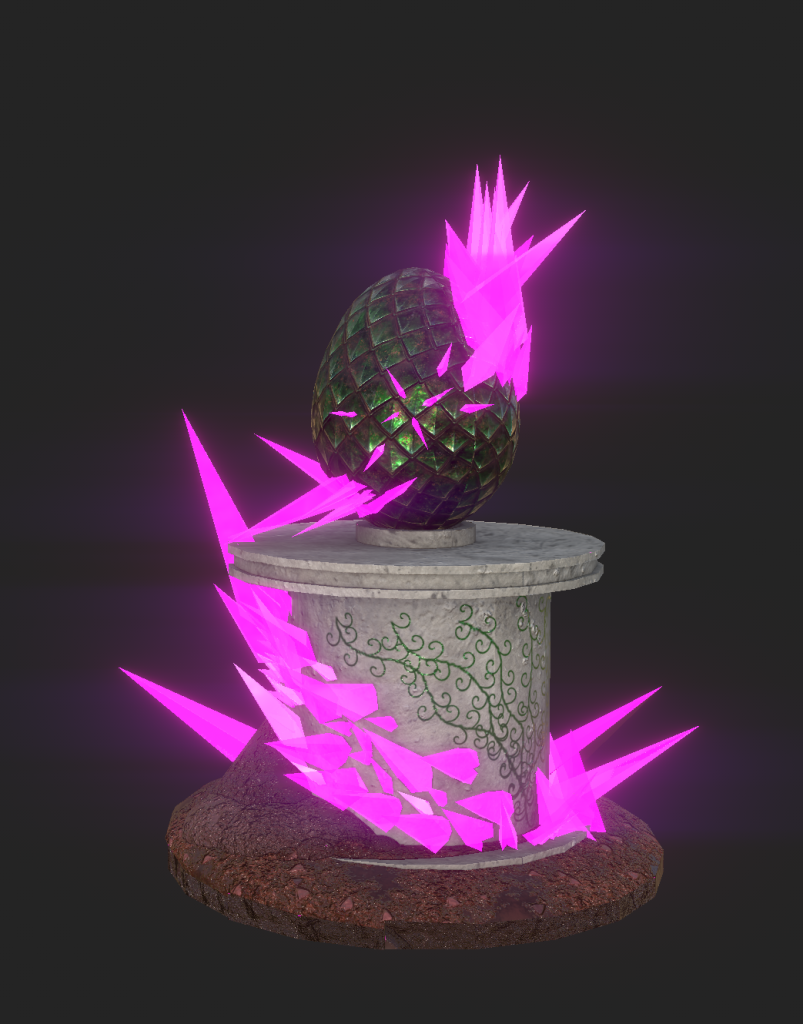
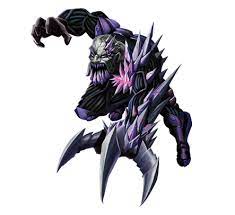
When creating the ideas for the centre piece, I realised that my subtheme could relate to the piece. My centre piece is a dragon egg on a pedestal but that dragon egg is infected by a biological, infectious mineral infested by dark magic. Then I thought, why can’t I do the same with my environmental design. Within the forest, I have decided to create crystal juts coming out of the ground in some areas of the map. My main inspiration for both 3D asset and environment design is from a character from a kids TV show known as Max steel where a villain in that show has purple crystal spikes jutting out of of his body from head to his hands on one side of his body.
3D Modelling
When it comes to creating my 3D environment, I wanted crystals jutting spikes out of the ground at some surfaces and corners of the map and create a forest area that gets denser and denser the more you follow the path towards the cave.
This is when I decided to go for a Fantasy Corruption theme for the assignment. Fantasy because I find it easy to generate ideas and there are no set rules to what fantasy should look like (It’s heavily opinionated) and the corruption/beauty part is the purple crystal shards that have some negative/magical impact on the dragon egg and it’s surroundings. This idea of the crystals being the infectious corruption is unique because it isn’t bacterial or fungal but a bit of both mineral and biological (which doesn’t make sense but is very unique as a concept).
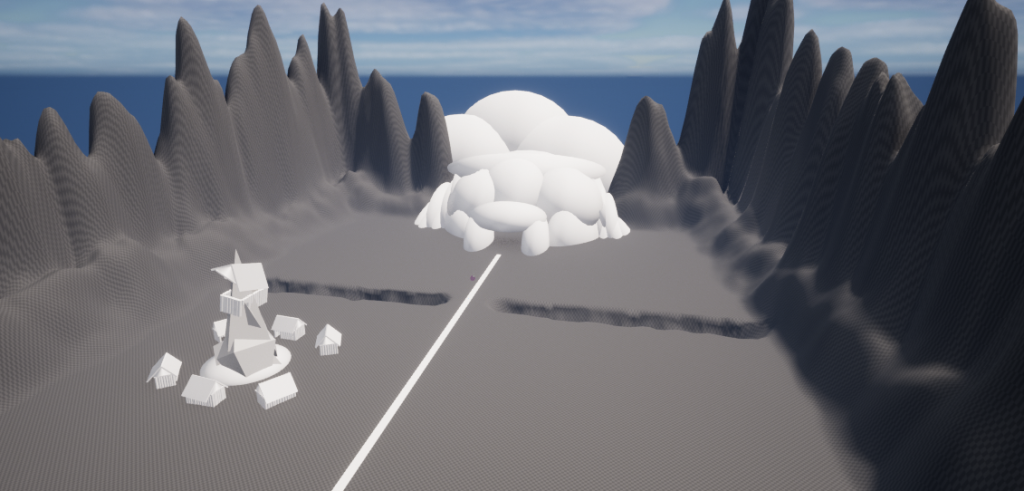
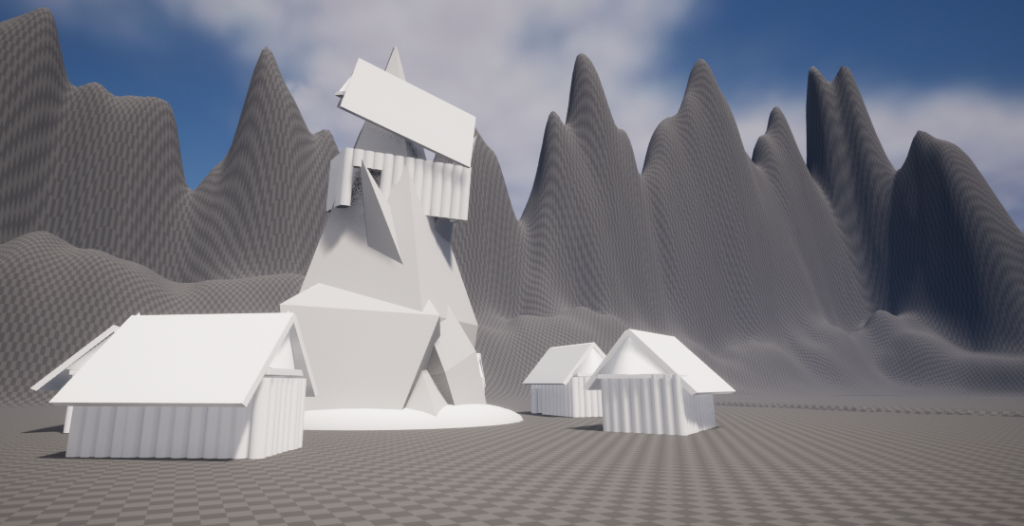
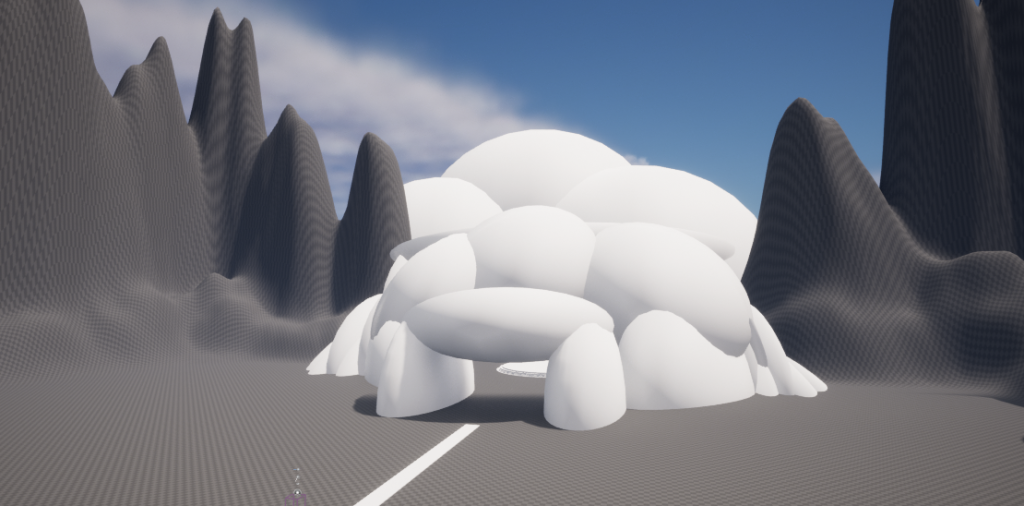
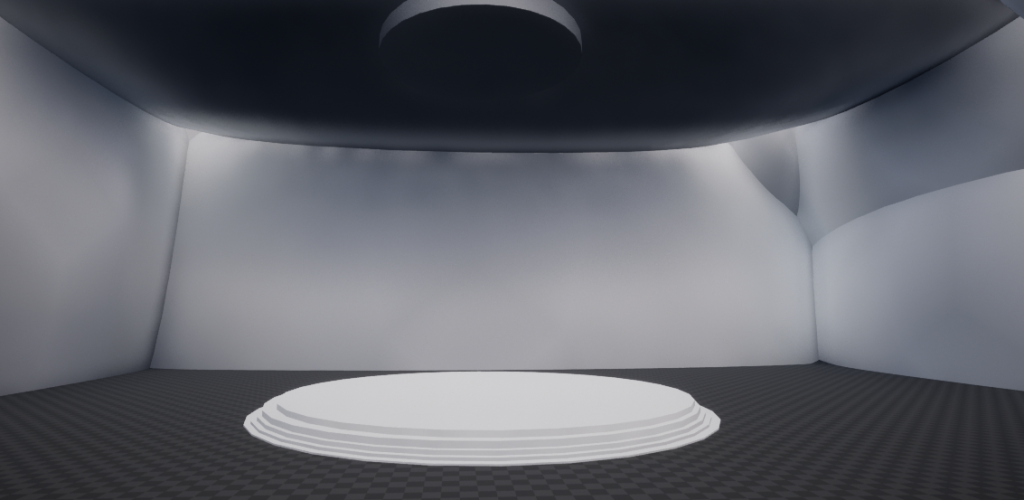
These images are a Work in Progress of my environment design. I have created a terrain with a rocky mountain edge and I’m planning to create a forest-like area with a cave containing my centre piece. Every now and again, I will be adding new content and updating my environment. I have added a small village with a giant spike jutting from the ground as a key environment piece.
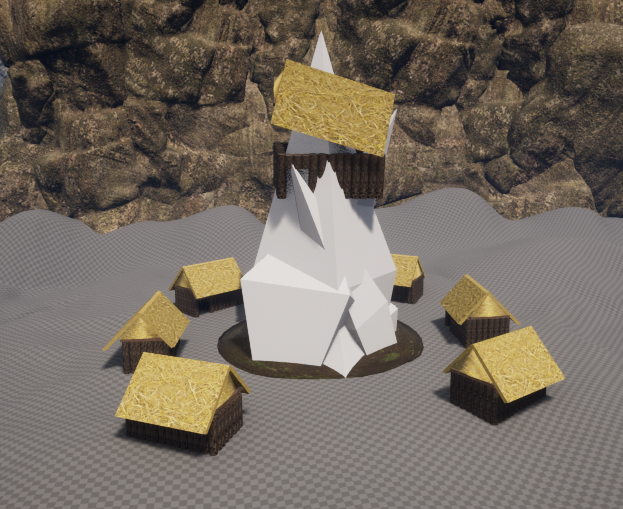
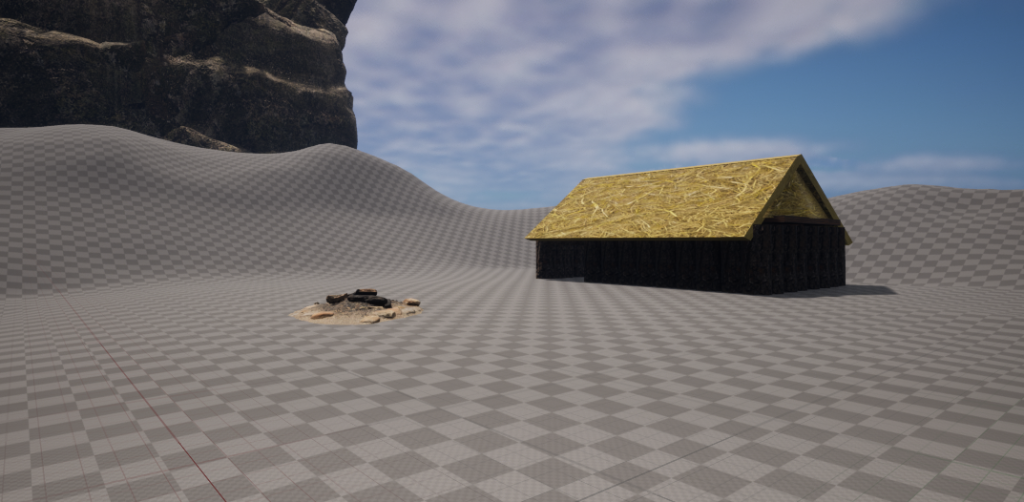
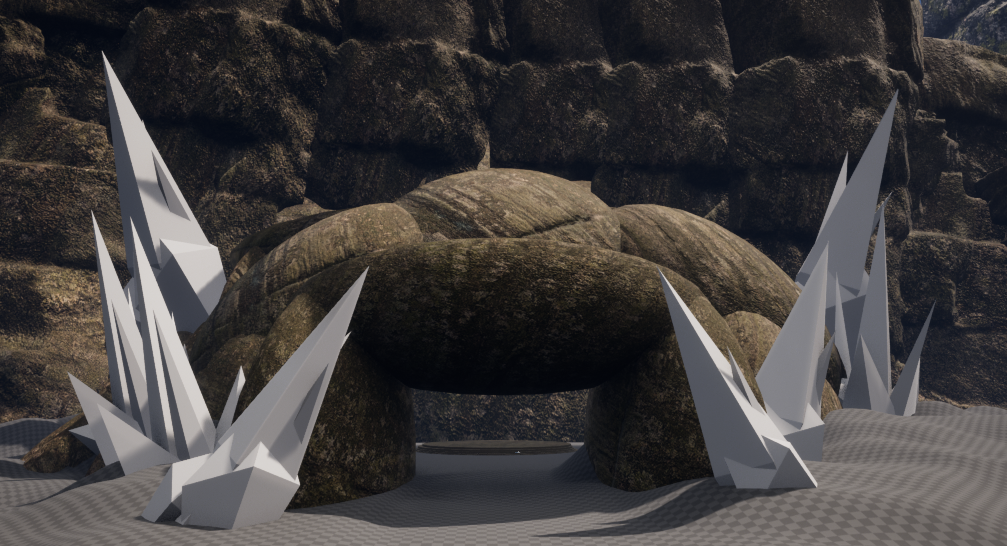
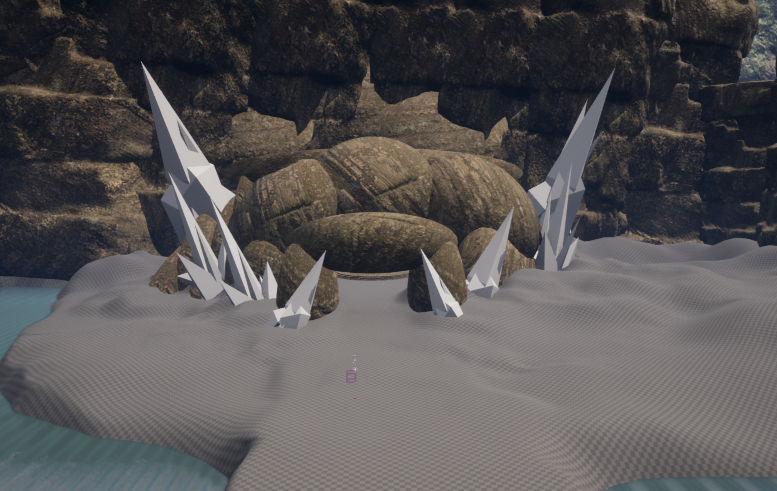
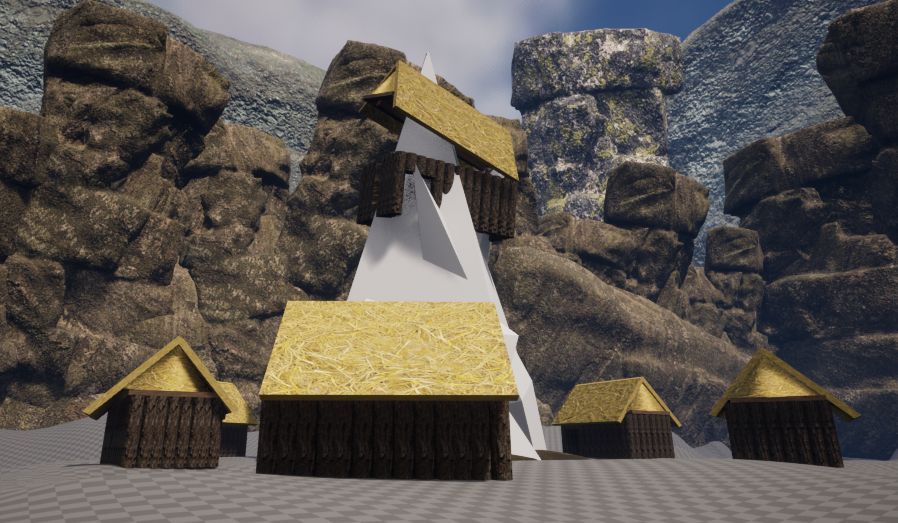
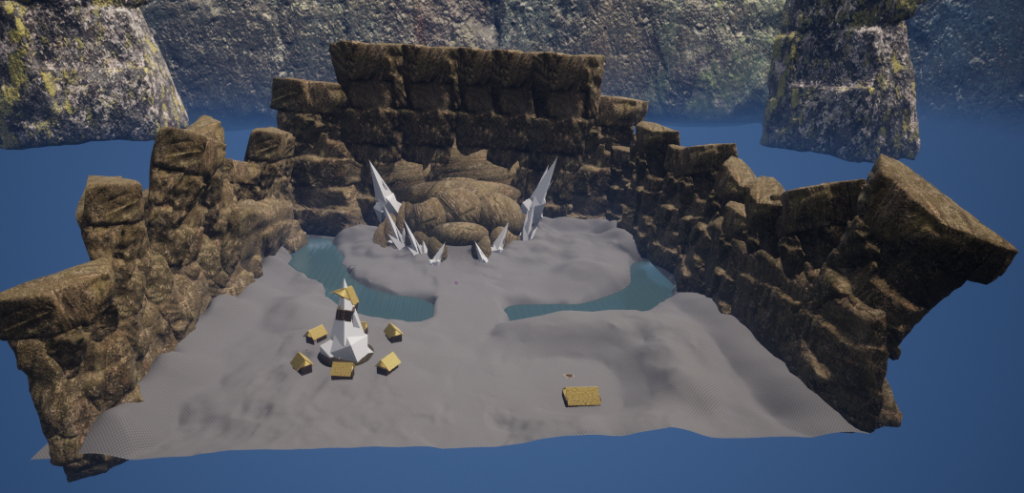
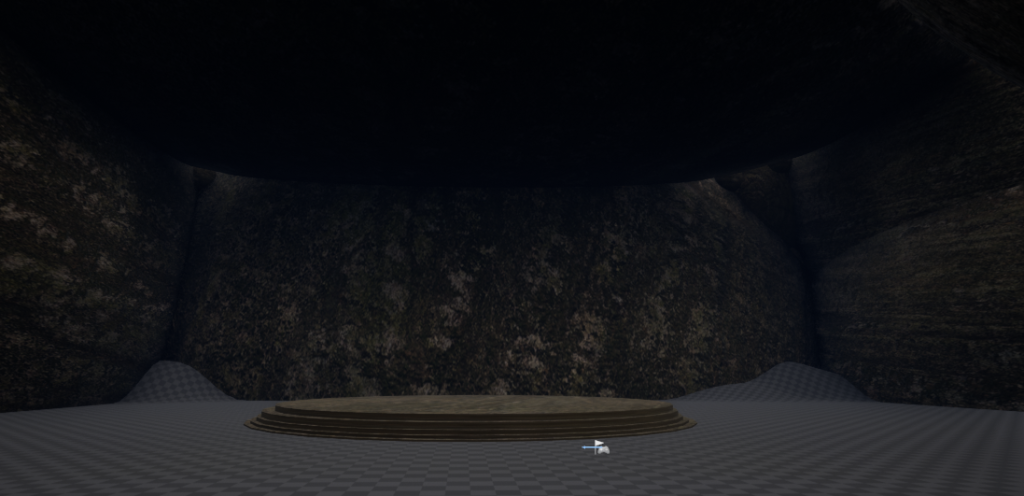
I’ve spent a while texturing, adding props, changing the map and attending to the visual issues with the environment. When updating the environment, I felt that it was all coming together really well and I am progressing/ learning new features along the way. As I was texturing, I didn’t just use random textures, I chose the best textures best suited for each part of the environment. For example, a brown rocky texture for the cave (which also fits with my centre piece), a wood log texture for the village houses, and a hay roof texture on top of each house.
I have also added props within some of the houses for example the fire log hut and the interior of another abandoned village house. I have also added a burned out fire pit that shows that it hasn’t been lit in a while.
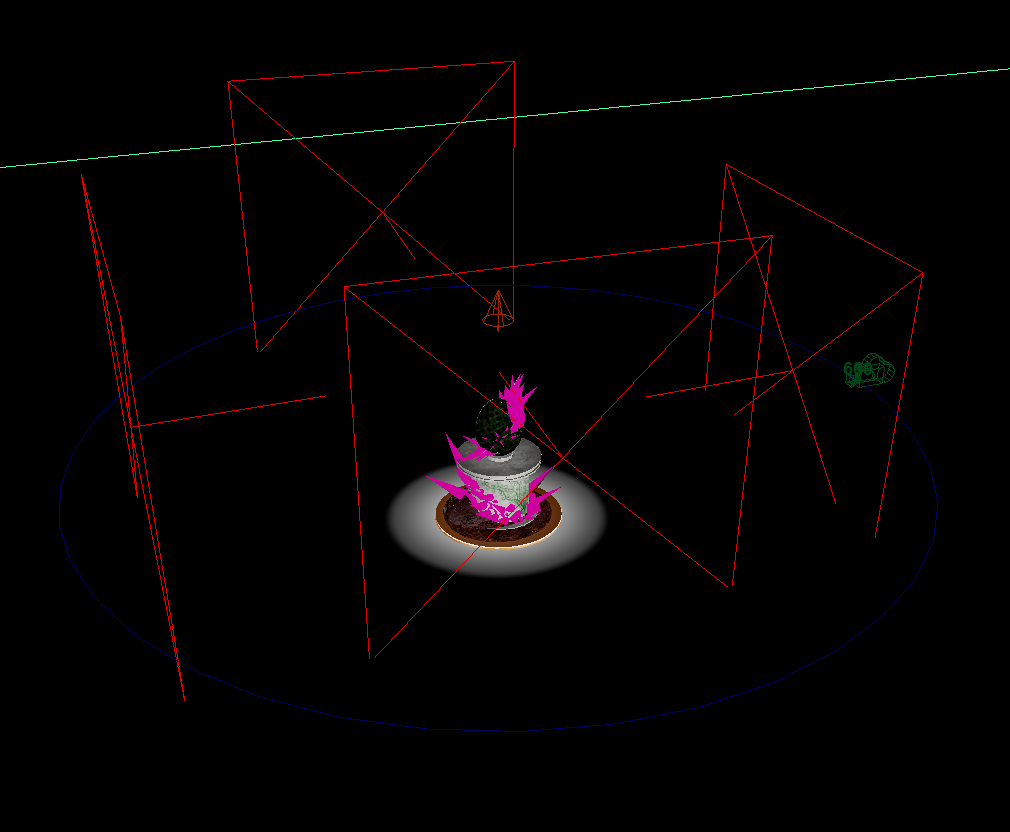
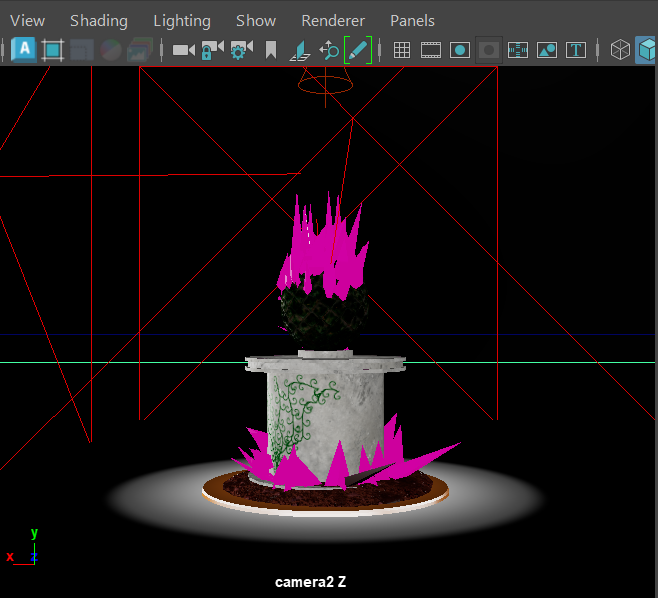
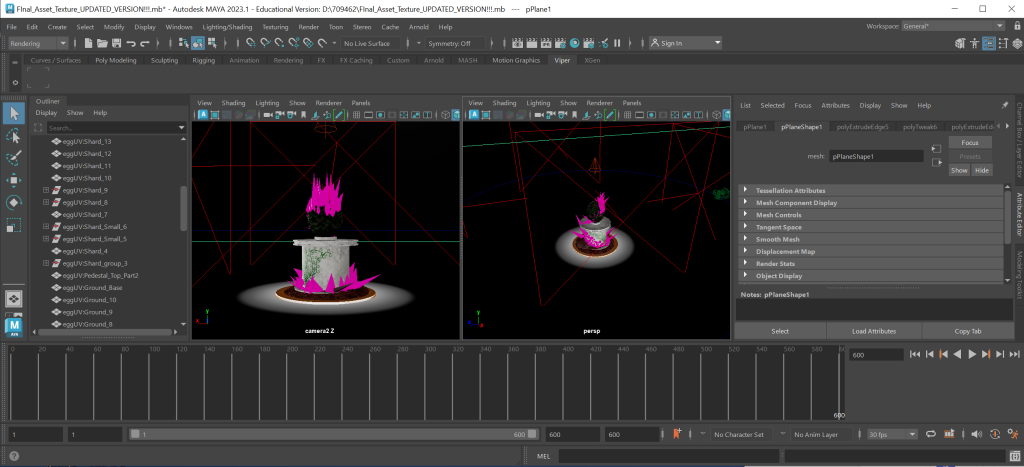
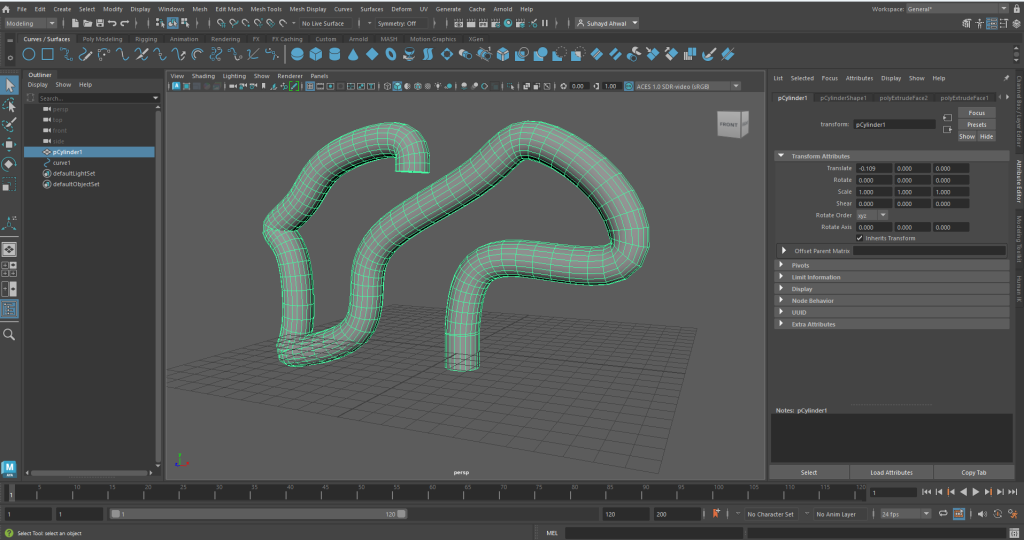
As I was creating the environment, I have used maya to create the shard pieces I need within the story telling of the environment.
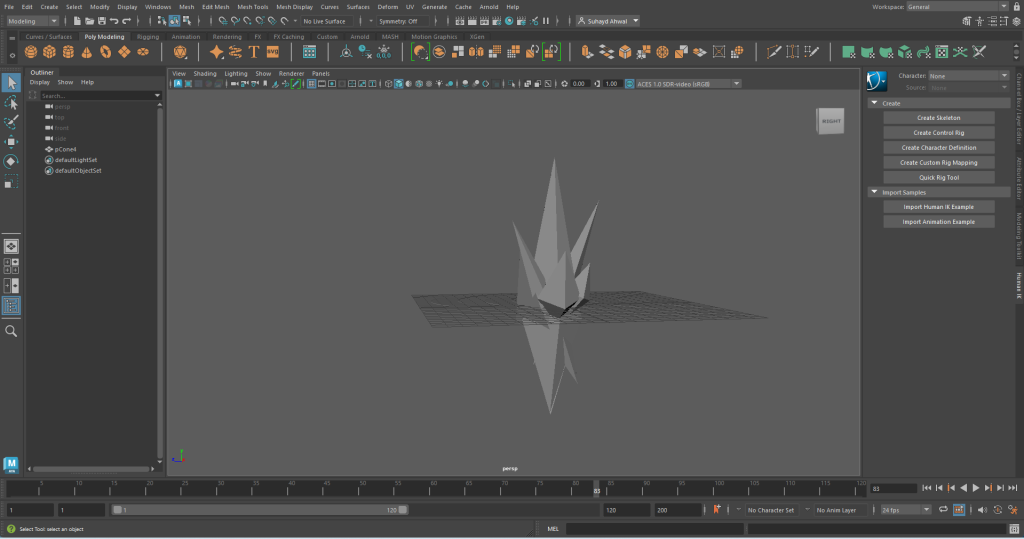
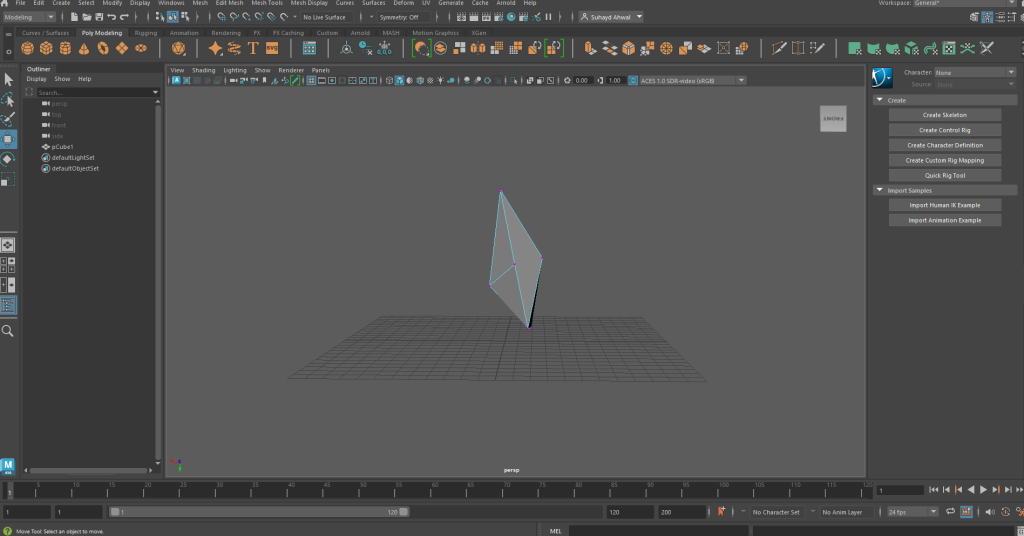
This image shows a base of what I have created within the environment. I have learned that making a shard shapes out of cubes are a bit finicky because you need to move the vertices of the shape to create this sharp look. I am planning to create clusters of these around the environment, near most trees, in caves and and other spaces. Also creating different cluster variants meaning there is a small version a longer version.
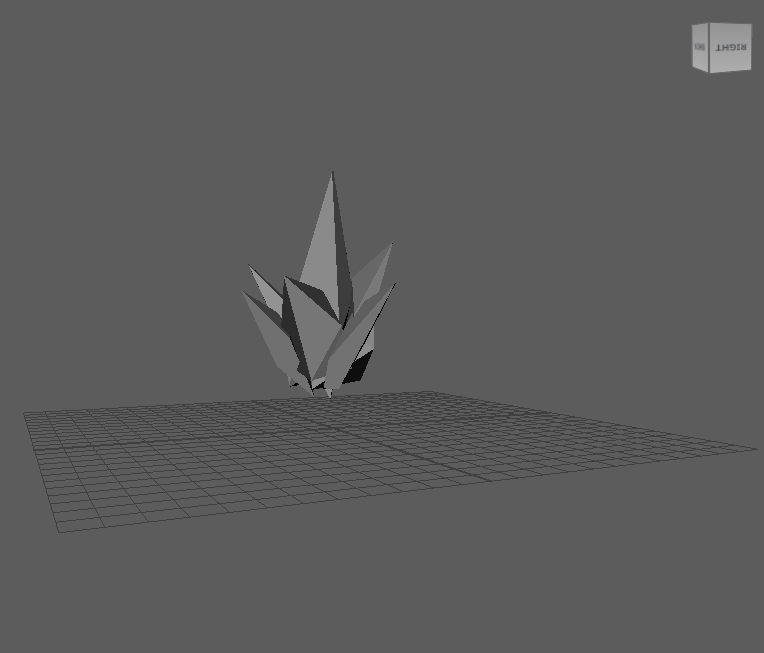
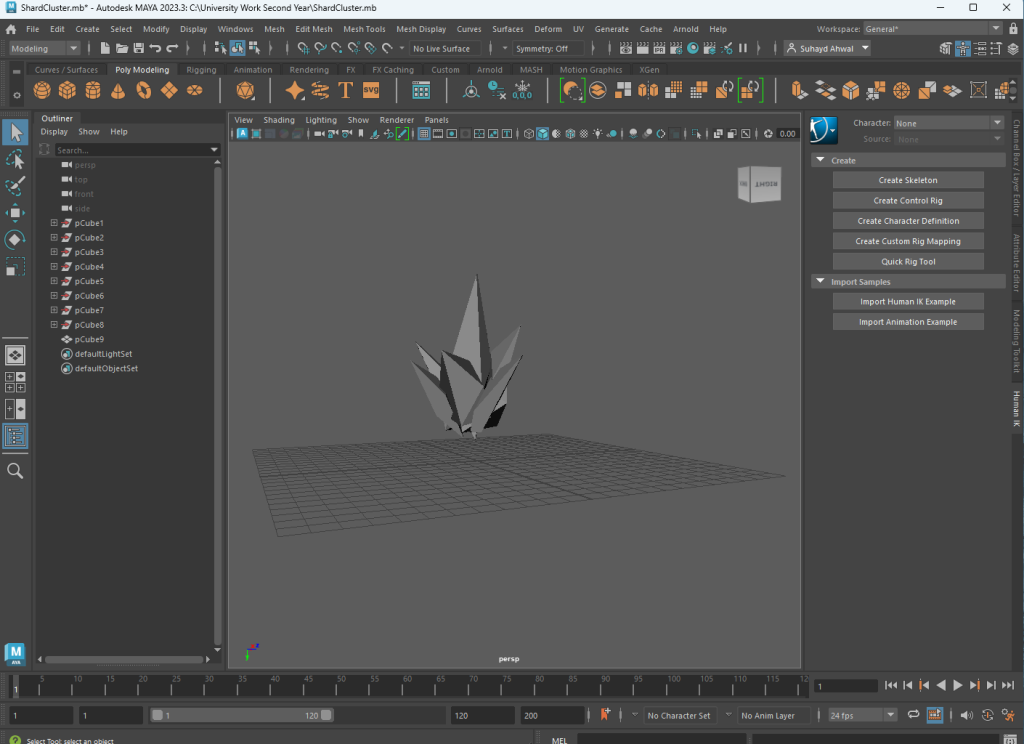
Now that I have two different crystal cluster variants for the environment, I can use them as storytelling by scattering these crystals everywhere in the environment. I will put them in caves, and within the forest near some trees and spread them naturally with the same texture and glow heartbeat. I was told that it was a better idea to have a bit of variety within the size and width of a cluster.
Texturing
Landscape
With the help of provided videos within our modules, I have managed to create a texture for the landscape by merging three different surfaces (forest dirt, a path and mud) so I can paint the textures individually on to the landscape. The whole process was confusing but it took me some time to understand the whole thing following the guidance and learning the coding mechanics of unreal engine.
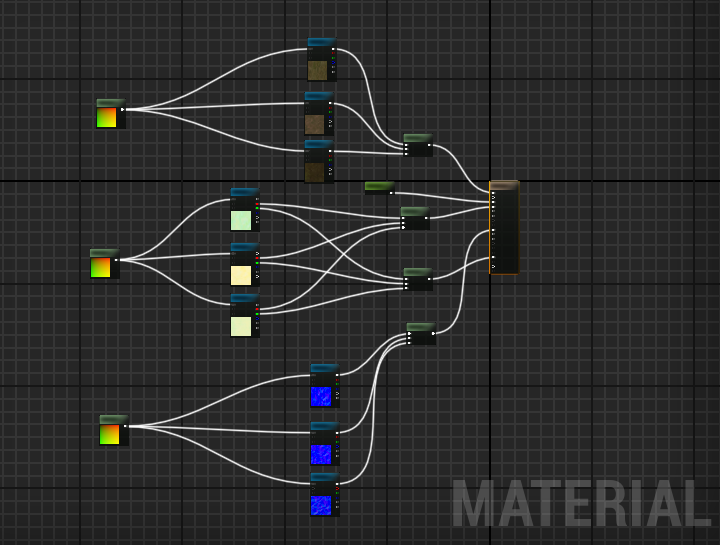
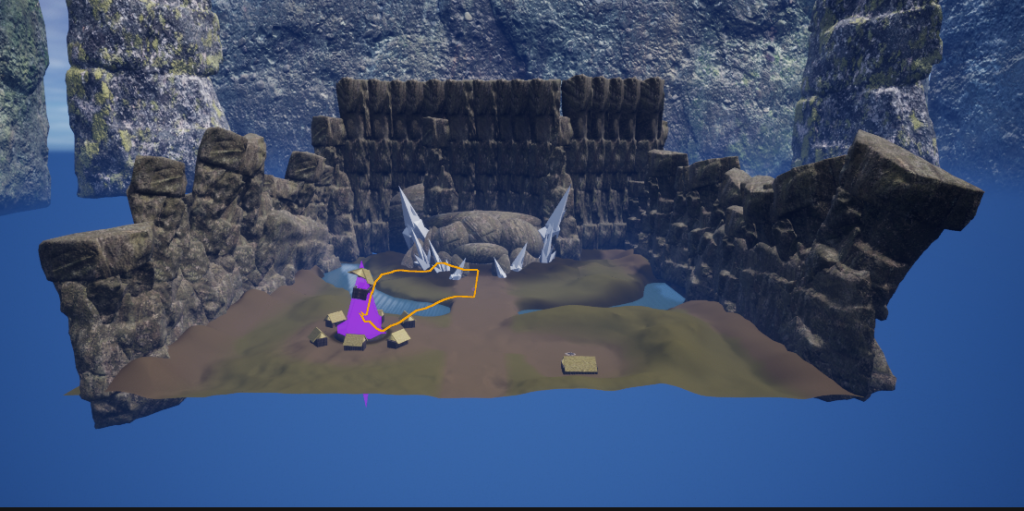
Crystal
After I was done with the landscape, (connecting boxes using the the visual coding function of unreal) I moved onto making another texture which was making a glowing crystal material for the crystals I have jutting around on the map. I wanted the material to be slightly see through and glow with a heartbeat effect meaning it will dim every now and again. I have asked a bunch of students on the Game Design course if they knew how to create a material that can glow with a heartbeat. I received some help from others and created a material blueprint that looks like this:
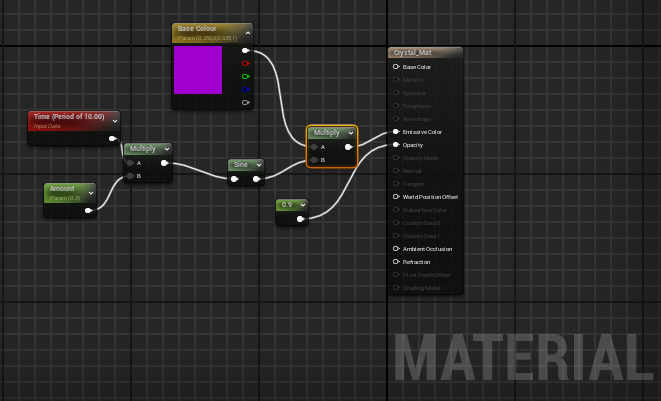
I went through each box tweaking every function for example the timing of the glow pattern, the speed of flicker, colour, opacity and brightness level. When I saved the material and applied it onto a crystal shape, I noticed that the crystal glows then when it dims, the colour gets black (completely changes it’s primary colour and makes the crystal look dead).
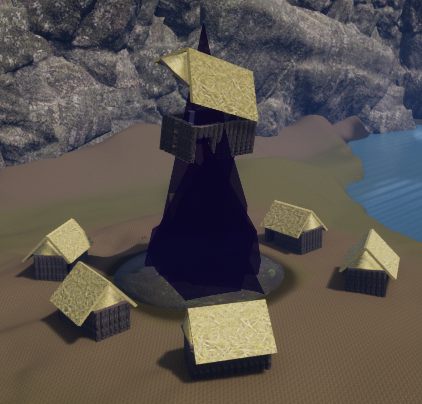
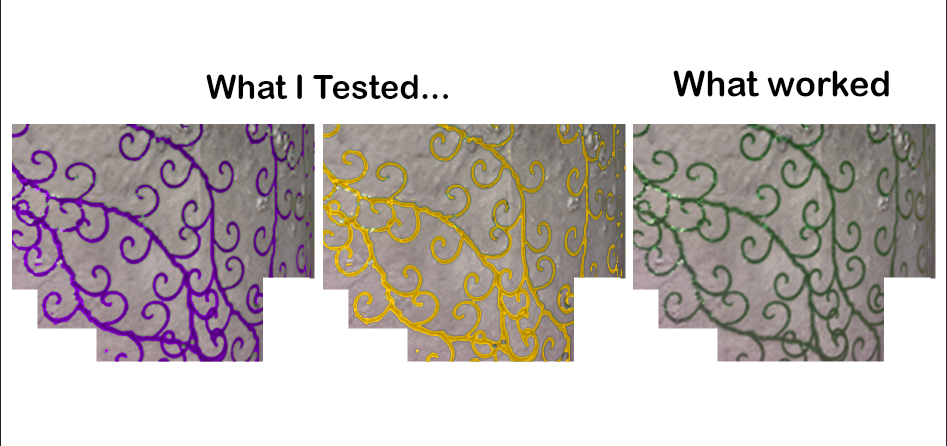
As you can see, I had some trouble with the colour of the crystal and spent some time trying to avoid this issue by tweaking the boxes more, reducing the dim time but it still didn’t fix the issue. I tried asking help from the other game design students but I didn’t get much so I decided to fix the issue my self by looking it up. Yet again, I didn’t find much that can help me because the problem is very specific, finding the answerer can be very difficult.
But then I had an idea to finally overcome this issue, I made a completely new texture with a brighter colour than the initial colour (pink for example) and a different material for texture. (I was told that using purely the glowing material and it being opaque, doesn’t have much texture and shadow on the shape because of the glass-like material I have used)
So I duplicated another crystal shard and made it smaller, placed it within the bigger shape (which has the glowing texture) applying this new texture with an even brighter colour onto the smaller shape. I have found out that this completely negates the black colour at the end of the dim effect. Having the black with a bright pink can make the shard look purple and giving the second material a glossy plastic look gave it more texture within the rock.
I have succeeded on what I was aiming for when making this texture and i felt very proud when looking at the outcome.
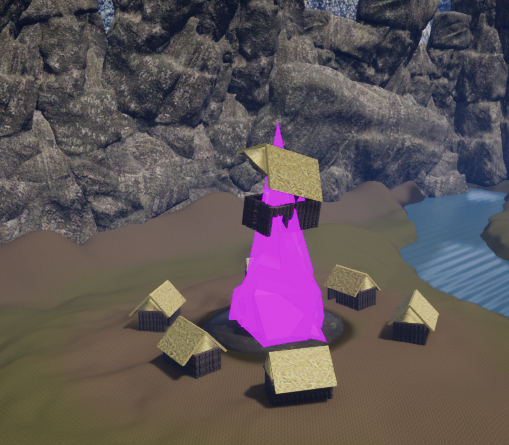
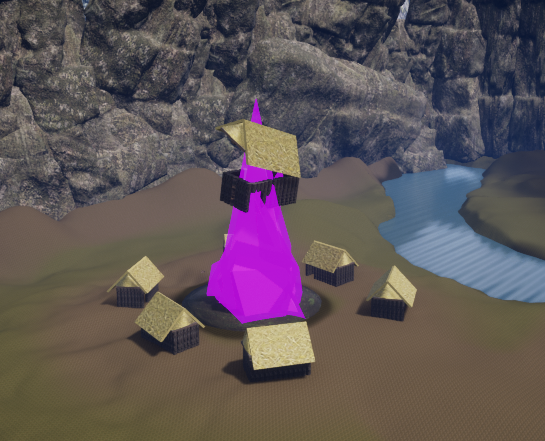
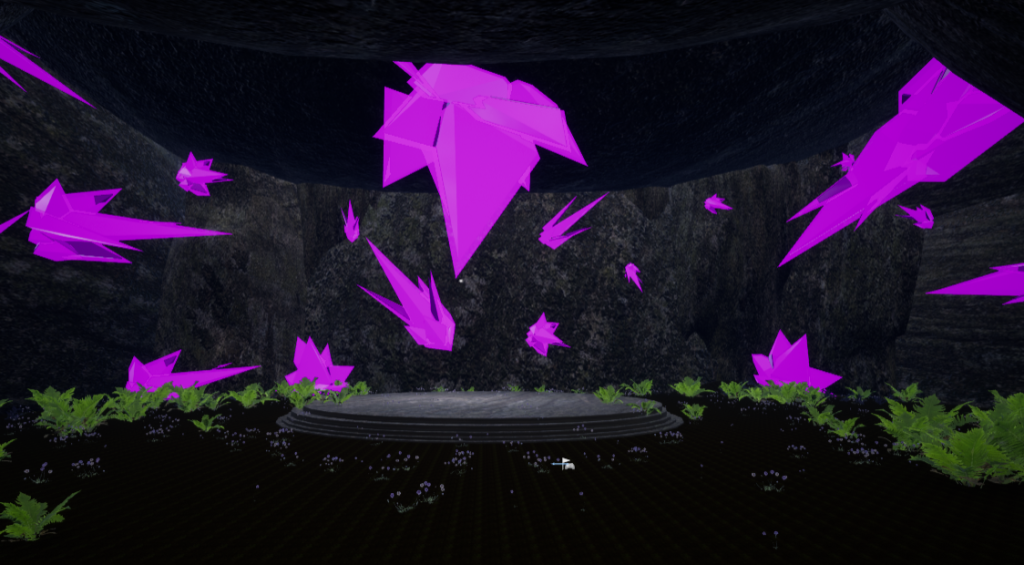
I have also applied more crystals within the cave area of the environment placing the crystals in a random order with different rotations.
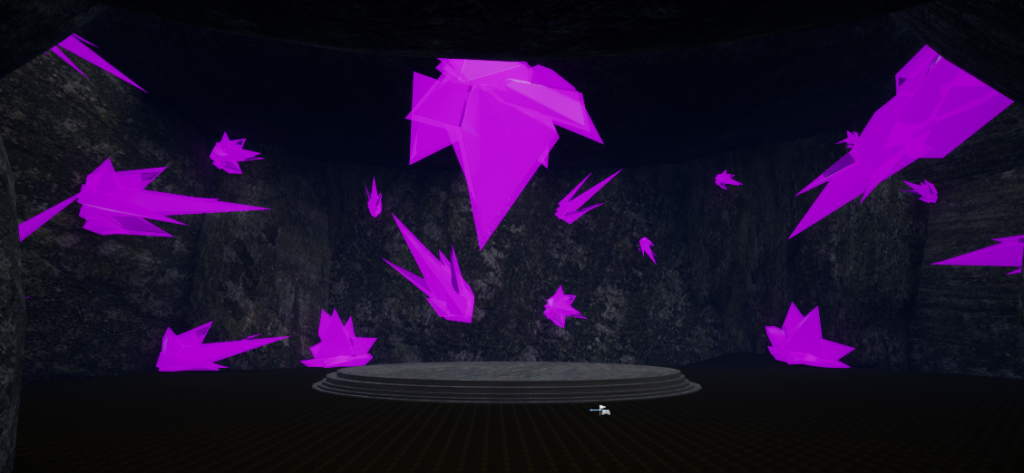
Cave/ Village Houses
I also added textures to the cave by adding a generic brown rocky texture with the help of Quixel Bridge. As well as the village houses, where I found the hay and log textures.
Foliage
After applying some of the props in the environment, I have decided on focussing more on painting foliage (trees, rocks, shrubs, flowers and infected weeds). I have experimented with the foliage painting tool and resized some of the foliage, rocks and trees to make it look natural. I did have some difficulties with the foliage paint tool where the tool is dense making trees and foliage cluster up into the paint brush size making it look very weird.
I have fixed this issue be tweaking the paint brush size and the density of the brush and managed to create a natural looking environment. I had a lot of retries and repaints during this process. I didn’t want the trees being too dense in the forest but I didn’t want the trees to be too sparce.
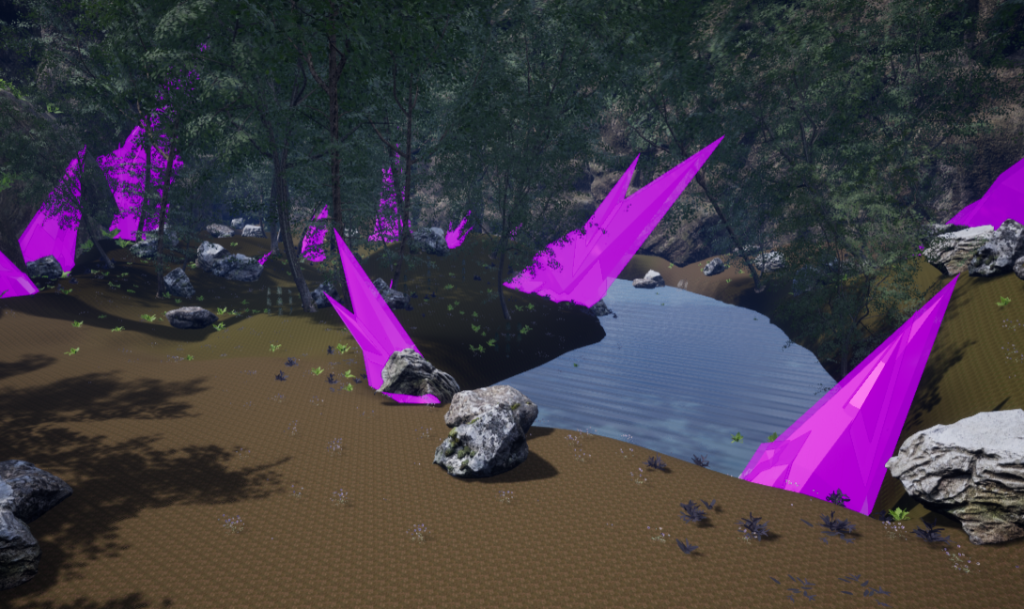
Next, I moved on to the rocks, resized and spread them around the environment. Placing rocks with slightly different sizes from each other and scattered them within the forest, near the brook (stream), a little on the path and quite a bit near the cave.
Then, I focussed on the shrubs and weeds of the environment. I resized all the foliage that I have chosen and painted the environment placing the plantation within the forest area of the environment and within the cave environment making it a lush environment.
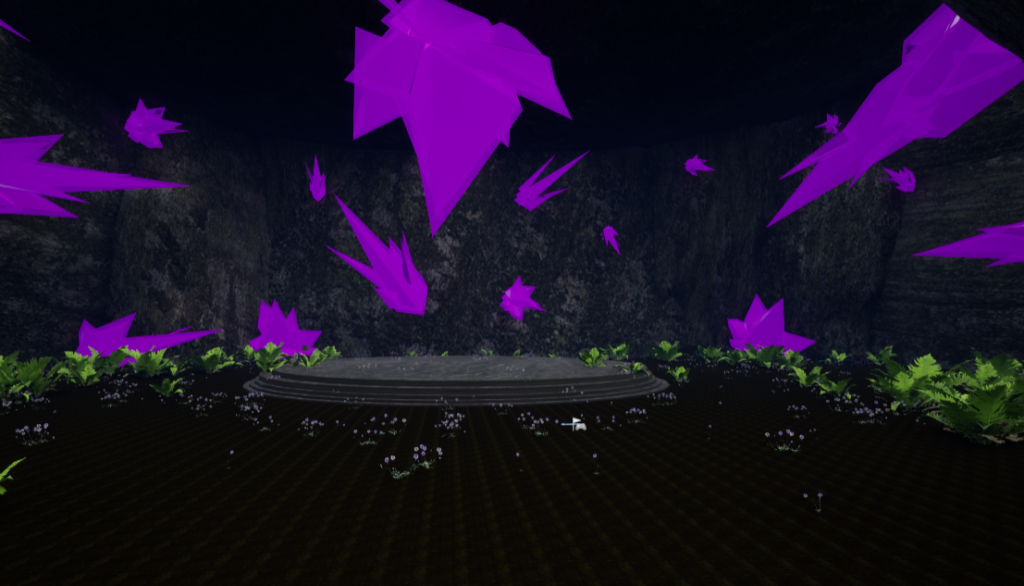
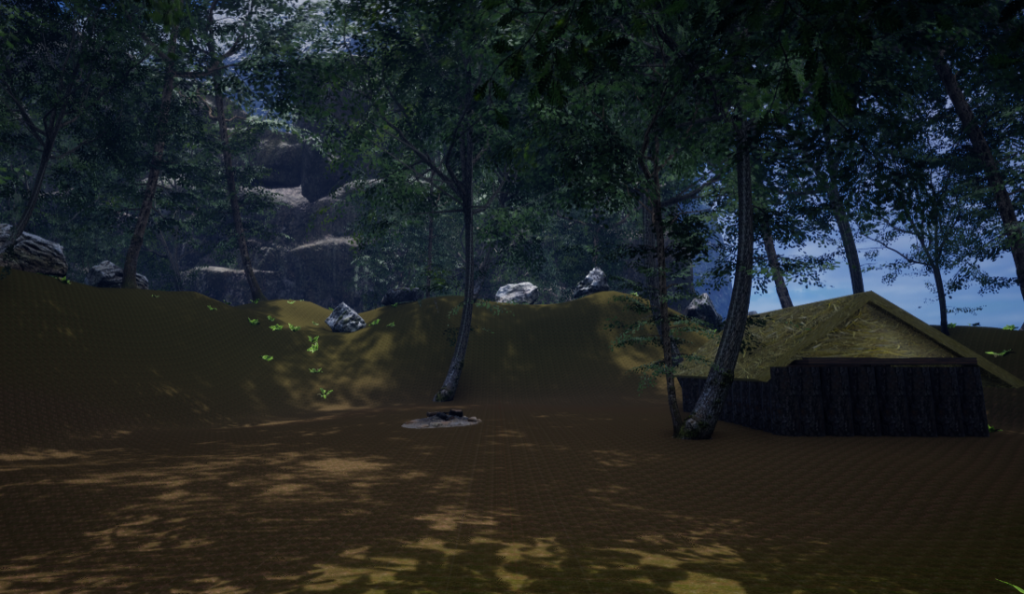
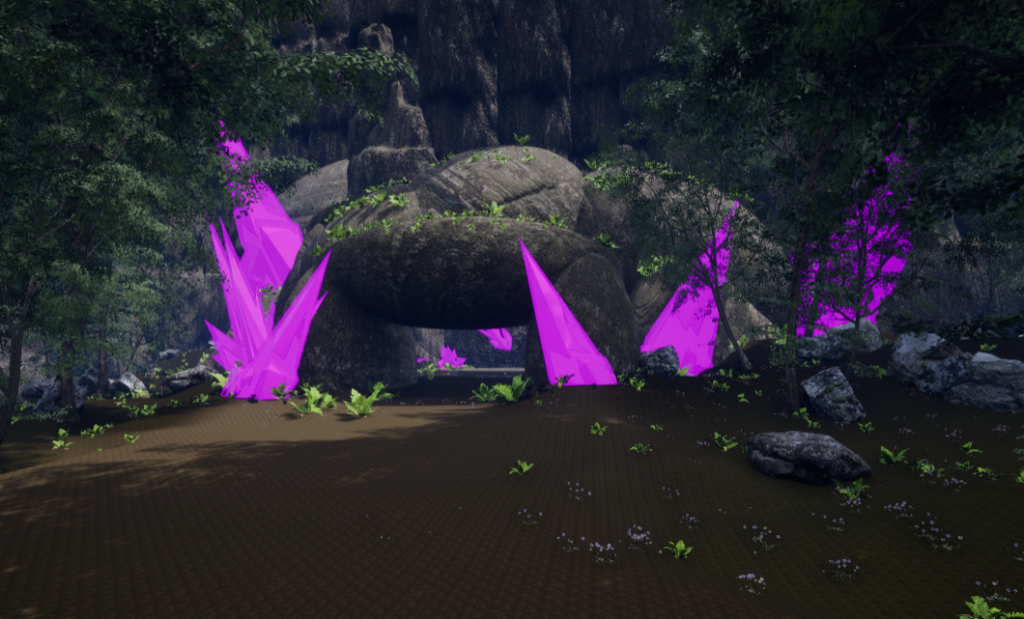
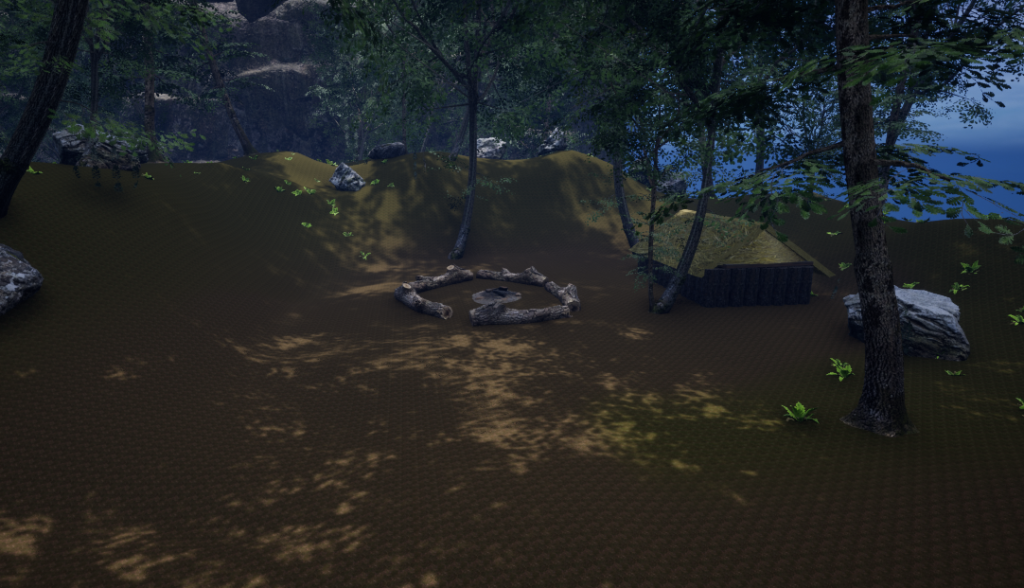
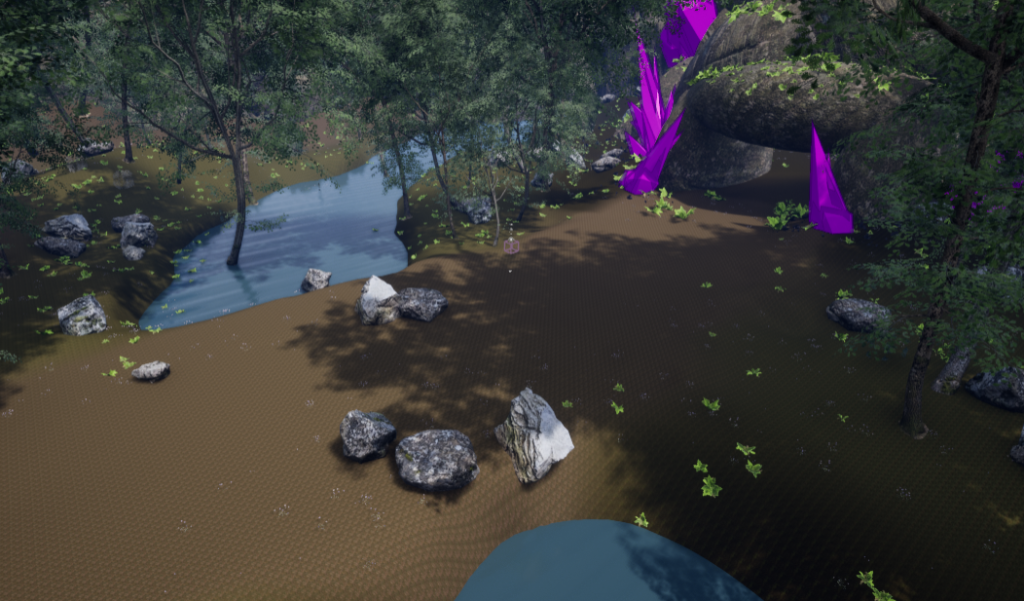
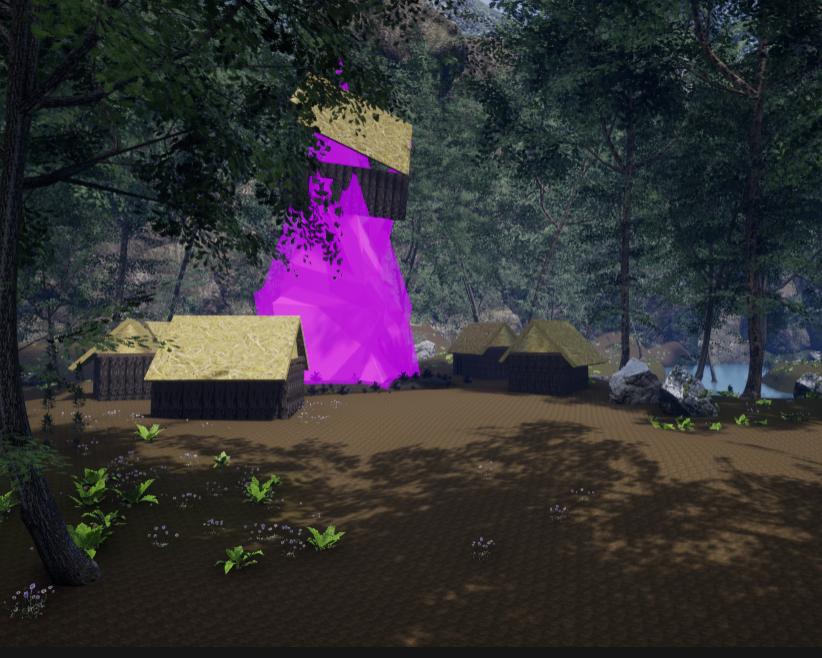
By placing the crystals within the cave, I can have plants growing within the cave because they provide a light for the plants to grow. I added some more detail around the crystals of the environment by adding infected purple plants near the crystal as if the crystal is infecting the nearby plants turning them into purple plants.
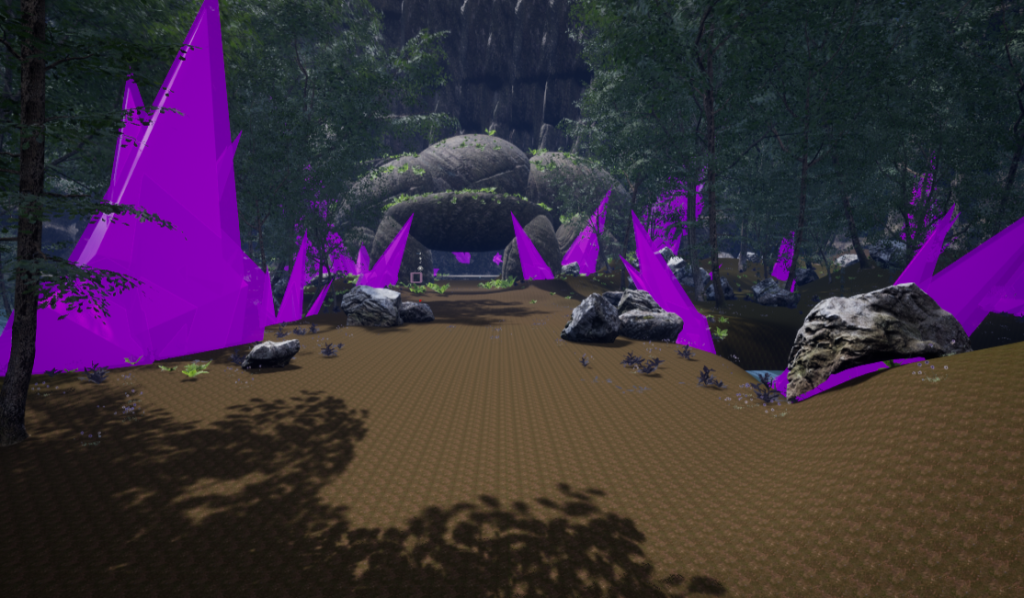
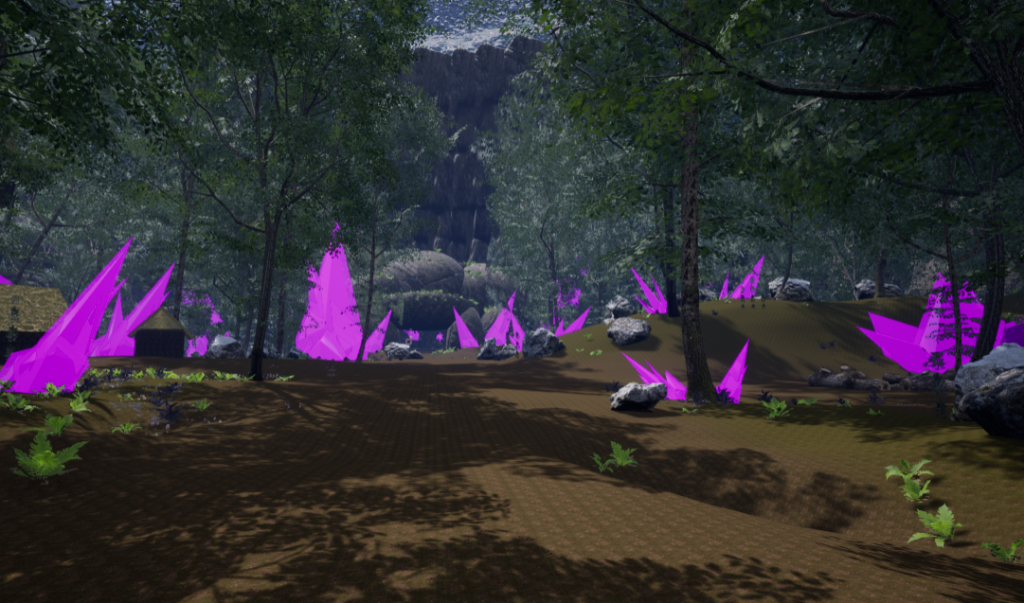
I showed this progress to my family and they said it looked great but it didn’t convey corruption more beauty. So I decided to add more crystals within the environment empowering the corruption aspect.
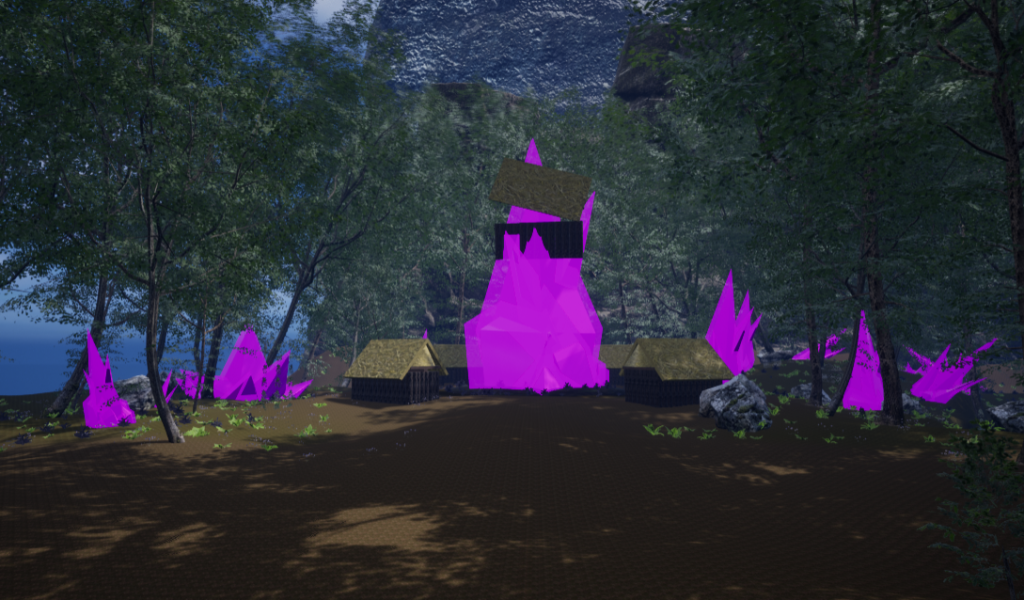
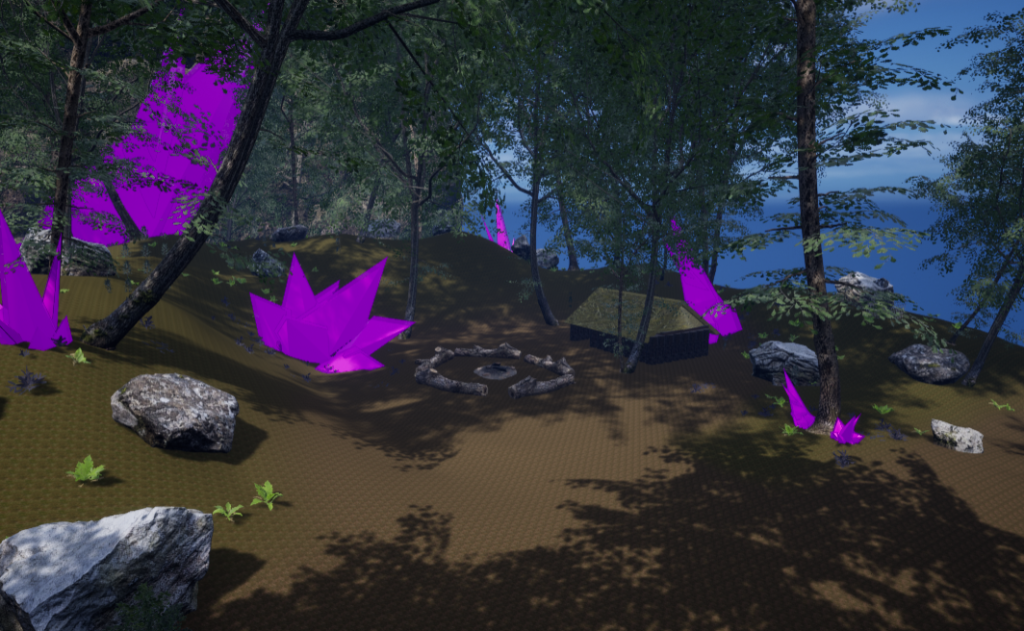
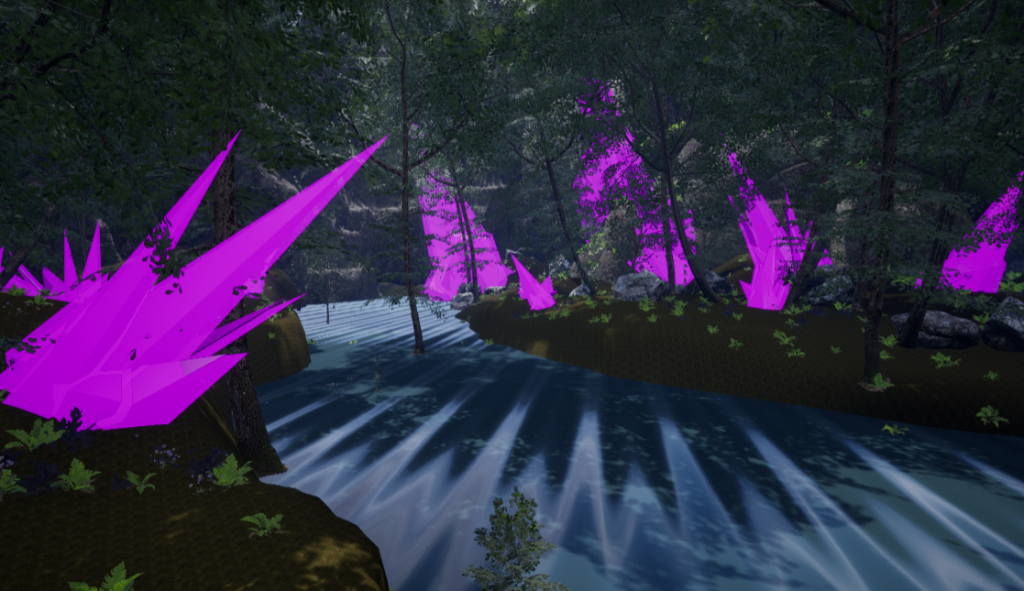
Composition, colour and lighting theory
Lighting
In terms of lighting used within my environmental design, I have added a sky light (this allowed me to create a light that captures the distant parts of my level and applies that to the scene as a light). This light will also provide the sky’s appearance and its lighting/reflections of the water will match, even if your sky is coming from atmosphere, or layered clouds on top of a skybox, or distant cliffs. I have tried a more darker approach to the lighting of my environment to enhance the lighting of the crystal material and have added point lights to some of the bigger crystals to add more into the glow of the crystal.
Another light I have used within Unreal, is directional light, (this simulates a light that is being emitted from a source that is infinitely far away). This means that all shadows cast by this light will be parallel, making this the ideal choice for simulating sunlight. I have experimented on the rotations of the light and have chosen to do a slightly darker daylight time for my environment because it enhances the themes I have chosen.
The third and final light I used is a point light, (this gives a point light a radius and a length for use within reflections and specular highlights to give the point light more of a physical feel). This means that I will be able to focus our attention to the centre piece of the environment.
Colour theory
I have used colour theory within my environment to appeal and attract the eyes of the viewer.
My forest is green and over grown with plants, trees and blooming with flowers. But the purple crystals jutting out of the ground and slowly infecting the area. Both colours green and purple are complimentary colours and they contrast each other. The green colour of the forest being overgrown is natural and the corruption being caused by dark magic is manmade and therefore unnatural.
This is another point I was trying convey when making my environment. The idea is that the balance between nature and corruption is being tampered with. I enhanced that idea by introducing colour theory (green being virtuous and pure and purple being evil and corrupt).
Environmental storytelling
I believe I have created a narrative in my environment design. The forest was a calm and peaceful place with the village residents living, working and having a nice time. Until a giant crystal spike juts out of the ground impaling the communal building.
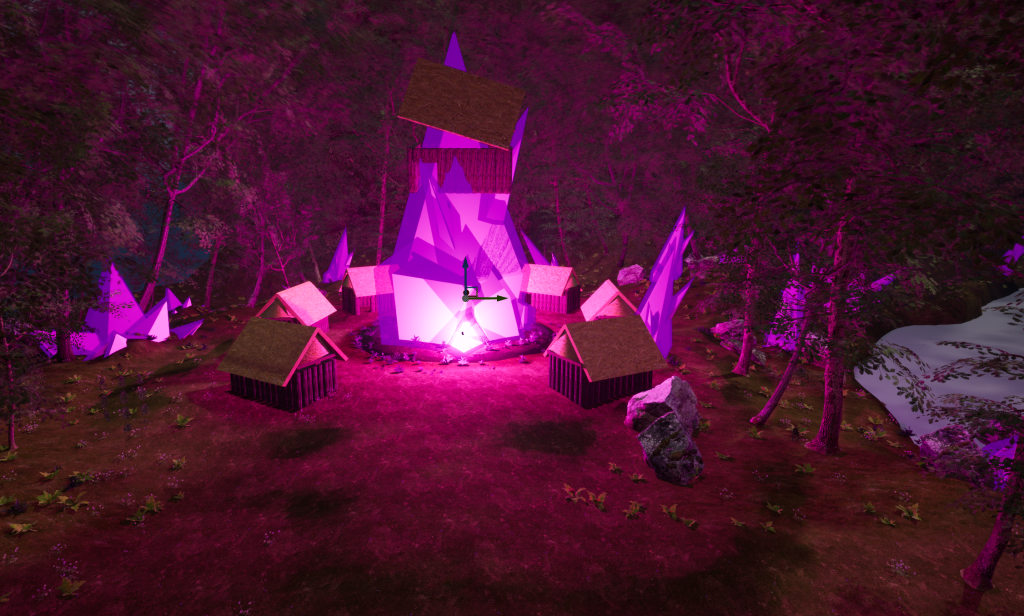
The village now has been long since abandoned (with the use of adding more foliage) and the people in the village has been evacuated leaving their home and some of their belongings because of the unpredictability of the crystal shards and when they unexpectedly erupt from the ground.
The cave is filled with crystals because it’s the source of the entire forest’s infection. The crystals glow so bright, plants and shrubs grow inside the cave. The crystals resemble some dark magic that has infected the area.
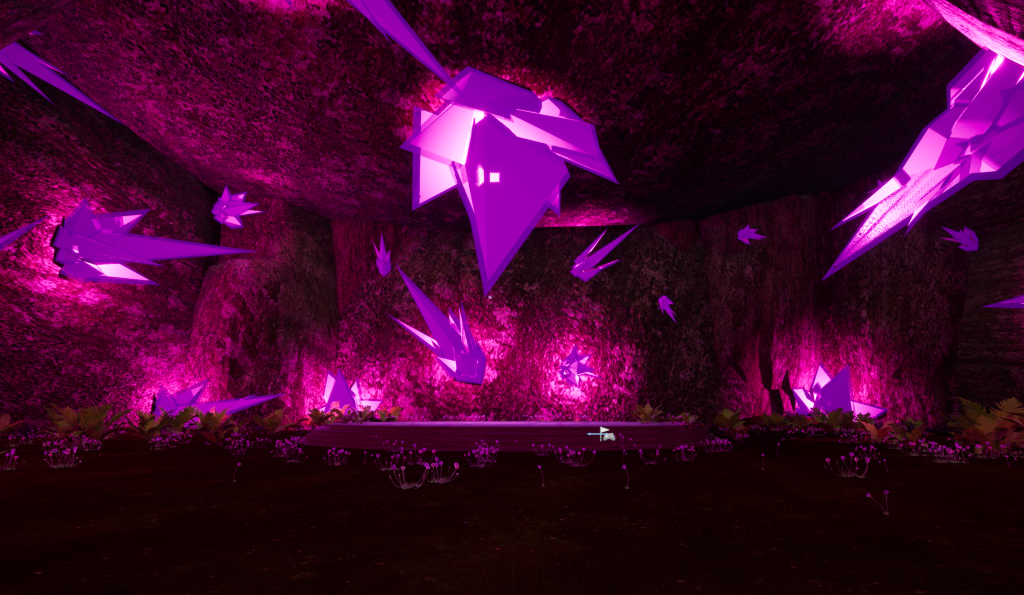
An infected egg in the middle of the cave sitting on top of an infected pedestal and the monster within is waiting to hatch.
Video
Reflection
By randomly placing glowing crystals in the environment, I have achieved the corrupted area I was aiming for when planed my environment design using inspiration and photoshop to map out stuff at a bird’s eye view.
I believe I have effectively created a general fantasy/ corruption environment. I have stuck with the ideal stereotypical views on what a fantasy style environment looks like. Trees being exaggeratedly big, the period of time is accurate with the use of materials of the houses that are built (I have personally chosen a time where dragons and other eldritch creatures coexist with people for example 129-131AC) and the dark magic crystals spread around the map adds more into the corruption aspect.
I felt that I did really well in creating an environment especially for my first time. I have leaned a lot during my experience and have gained a sufficient amount knowledge on creating landscapes, making new surfaces/ materials and how to apply ready made props made by other people that are given in the official market place.
I am very proud of my environment design and I know that I will become more proficient when I create more landscapes using Unreal Engine. If I was given the opportunity to improve on my environment, I would improve on the cliff side structure (It looked a bit patterned) and maybe the stream (the reflection is slightly off).
There was some feedback I was given to work on if I wanted to. The first feedback I was given was to change the water texture in the environment because the reflection is off so I swapped the texture to the second water texture that was provided in unreal engine and it fixed the texture issue.
Another piece of feedback was to make the crystals look more darker. I experimented with the crystal colours making them darker but I believed that the crystal texture look fine without the change.
The third feedback I was given was to change the house textures because I was told that the house textures look the same but I decided that it was necessary to keep the houses as it is because I planned to have the house and the roof separate for the village in my environment.
The fourth and final feedback I was given was to create mounds for every crystal that juts out of the ground meaning I use the landscape tool and sculpt around each crystals creating the debris when something erupts from the ground it creates a mound around that object.
Reference List
Images/ Preferred style
Fantasy Forest Environment (2019). Available online: https://forum.unity.com/threads/fantasy-forest-environment-update-v2-0.708998/ [Accessed 21/04/2023].
Fantasy Forest- Forest Environment (2023). Available online: https://www.artstation.com/marketplace/p/r5yAA/fantasy-forest-forest-environment [Accessed 21/04/2023].
Kinectimals (2011). Available online: https://www.frontier.co.uk/our-games/our-gameography#kinectimals [Accessed 21/04/23].
Bound by flame – Corruption (2016) Available online: https://cbachmann.artstation.com/projects/xZ49Y [Accessed 21/04/23].
Ryu, A. (2018) Corrupted Forest Biome Available online: https://www.artstation.com/artwork/Z5Nqym [Accessed 21/04/23].
Dark Fantasy environment (2023) Available online: https://www.wallpaperflare.com/forest-wallpaper-nature-fantasy-art-dark-trees-plant-land-wallpaper-qdfyr [Accessed 21/04/23].
Scans Factory (2023) Dark Forest environment Available online: https://www.artstation.com/artwork/KOOvbG [Accessed 21/04/23].
Mattel Playground Productions (2013) Extroyer Available online: https://en.wikipedia.org/wiki/Max_Steel_(2013_TV_series) [Accessed 21/04/23].
Textures
Surfaces and props I have found are from their own websites such as Quixel Bridge and the Unreal engine Asset store. Most specific packs have insufficient information on their details like who made the pack and when it was made. So in order to credit the work I announce that the work comes from their respective web page/ software.