Introduction
I was given three lab related work segments to complete. Those include a 360 interactive video, a MASH prototype and an interactive portfolio. After I have done with those tasks my next goal is to document it and add a segment that will include my thoughts; How I relate with these activities, if I want to carry those experiences on for my future.
What is VR?
Virtual reality, or VR, is a simulated three-dimensional (3D) environment that lets users explore and interact with a virtual surrounding in a way that approximates reality, as it’s perceived through the users’ senses. The environment is created with computer hardware and software, although users might also need to wear devices such as goggles, headsets or bodysuits to interact with the environment.
The more deeply users can immerse themselves in a VR environment, and block out their physical surroundings, the more they can suspend their belief and accept it as real, even if it’s fantastical in nature.
Pros and Cons of VR
Pros of VR
- Technology – Improves slowly by time.
- Availability – VR headsets can be purchased all around the world and can be viewed from anywhere.
- Multiple uses – Although primarily used for gaming, it can be used for training, marketing and advertising.
- Engagement – The fact that the user can explore for themselves makes for a more memorable and enjoyable experience.
- Experience – Allows people to “travel” to places that they may not get the chance to in real life. A dream holiday, for example.
Cons of VR
- Technology – Still in the early stages of VR, there are some bugs that are to be worked on such as glitches.
- Expensive – A VR experience needs a VR headset which are generally expensive.
- Advertising – They need to be very well made to work properly, or els the audience will have a negative experience.
- Real-life engagement – The users are cut off from the real world as their eyes are diverted to the world they see before them. This could become a problem if users use the headset too much as it would mean that there would be no more real-life engagement between people and families.
- Experience – In testing, some people had experienced motion sickness when wearing the VR headset. This is something that developers are reportedly working on.
What is a 360 Video?
360 Video is content that has been recorded/rendered at all angles. This allows the User to watch from any angle of their choosing. Since the 360 Video’s shot with using a stereoscopic technique, this helps give a sense of depth to the scene.
Advantages
- Immersive experience – a 360 view of the scene allows the user to feel that they have become apart of the virtual world. The user can look in any direction they wished.
Disadvantages
- Lack of focus – Since the video was made from rendering on a 360 view, the camera can sometimes lack focus and make the scene blurry or distorted for the user.
360 Prototyping
For the 360 video, I used Photoshop to create a basic shot scene.
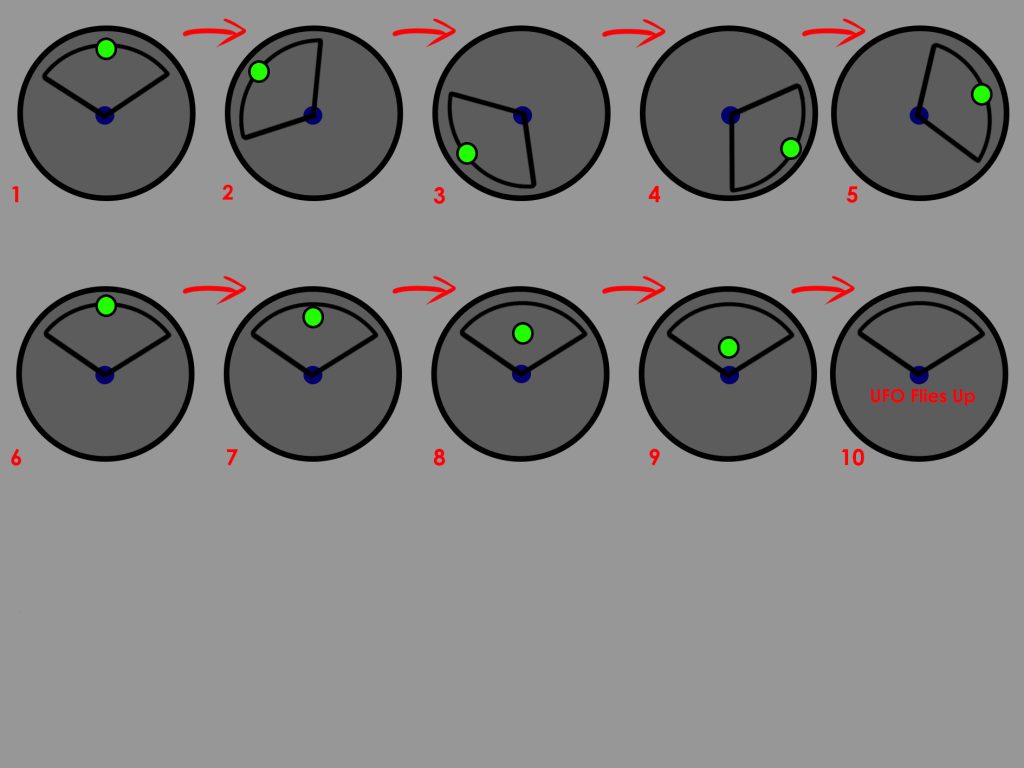
Using Maya and some tutorials, I simulated an alien ship flying in a city scape. I made the ship move and rendered the scene for a 360 video.
360 Video
MASH Prototyping
I was then given a task to produce a MASH sequence where it allows me to create procedural animations. Following tutorials, I manged to simulate an explosion where the debris splits into multiple pieces, turn different colours, rotate at random locations and falls to the ground. I was having some fun with the animation.
MAYA Version
After making the MASH simulation work, I then rendered it with the Arnold renderer, and immediately a few things did not go well.
- Arnold did not apply the colours I wanted for the explosion making it annoyingly monochromatic hence the Maya version of the MASH video above.
- After rendering, Premier Pro cuts out the entirety of the bottom half of the video. What I did to fix this issue is to sacrifice the top and move the video up in the viewport and when exporting the video should look like as if it’s in the middle of the screen.
I exported the video render of the MASH mini project and overall it looked ok. There was somethings that need improving but since it’s my first time and I was merely exploring with Maya’s cool features, I felt that I did have some fun with it.
Finalised MASH Video
Do I plan to use this principle again for my Final Project?
Since I had used Maya over the course of my university years, It is a good chance I will use it again. I know quite a lot of tools Maya has to offer and I’ve had decent experience.
Advantages:
- I’ve had lots of practice
- I know the basic tools used in the software
- I know the basics of animation and camera movement
Disadvantages:
- Never created an environment in Maya before
- Rendering can be weird and fuzzy leading to severe quality drops.
- Maya as a general 3D modelling software can be a difficult software to understand as it does have many bugs and software related issues
What is WebVR?
WebVR is a website that enables developers to create and control virtual reality (VR) experiences in the web browser.
Advantages:
- Compatibility – All operating systems can use WebVR from windows to Mac. All devices can use WebVR from PC to mobile.
- Pre-sets – There is a lot of saved sceneries and settings your art can be placed in. Grants variety to anyone using the website.
Disadvantages:
- Can be Limiting – If you have a lot of work to show off, WebVR has a set limit of assets that can be placed into a world. This can force a person to have multiple portfolio worlds to show off their art.
- Limited person count – Only up to 8 people can visit your world at a time. If you want to show off your project to a wider group, WebVR is going to be difficult.
VR Interactive Portfolio (WebVR)
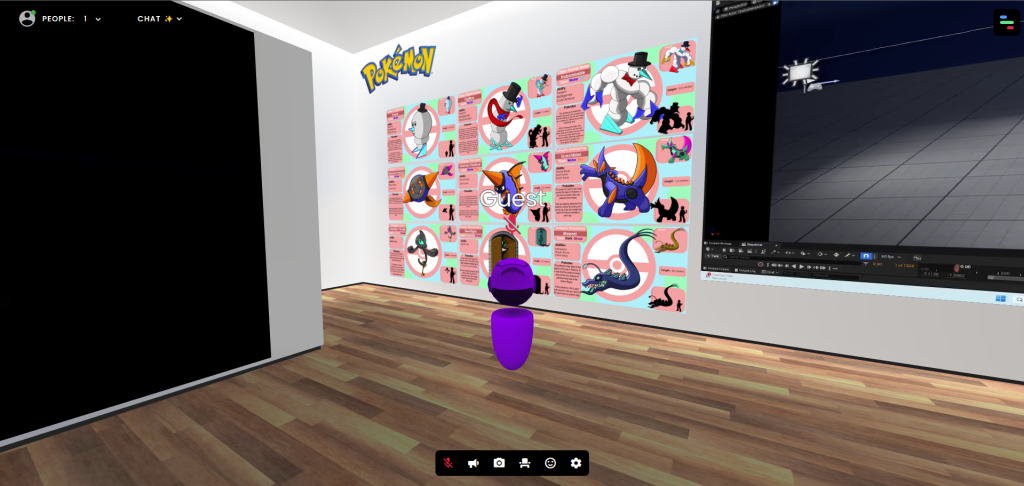
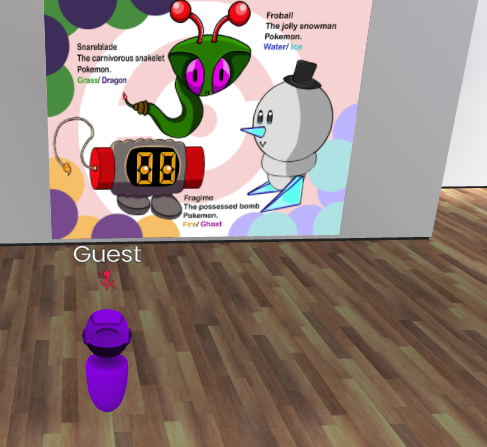
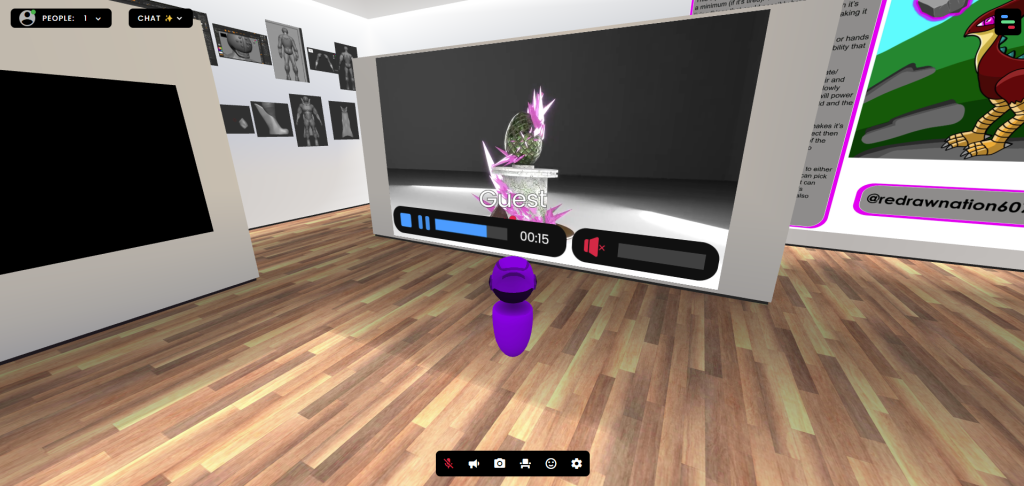
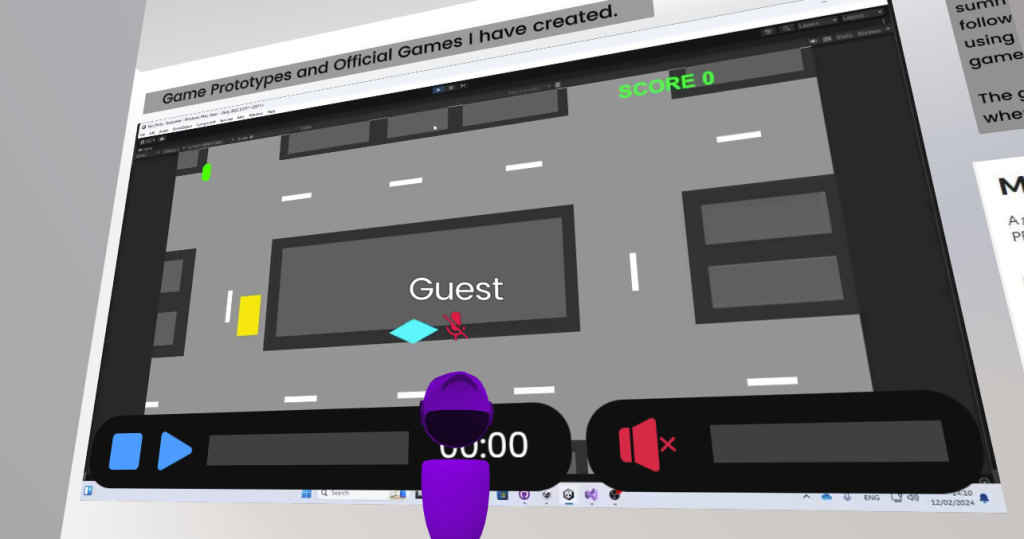
During Week 2, I was given a really exciting task of creating my own virtual portfolio of all my best work that I’ve done in the past whither it be university work or my own. As I got introduced into WebVR, I had a choice of different sceneries so I could put my art in them. I chose a classic museum scene for my art.
I added so much art in the virtual portfolio, it practically became full once I have finished placing all my best art I’ve done over the years.
Drawings
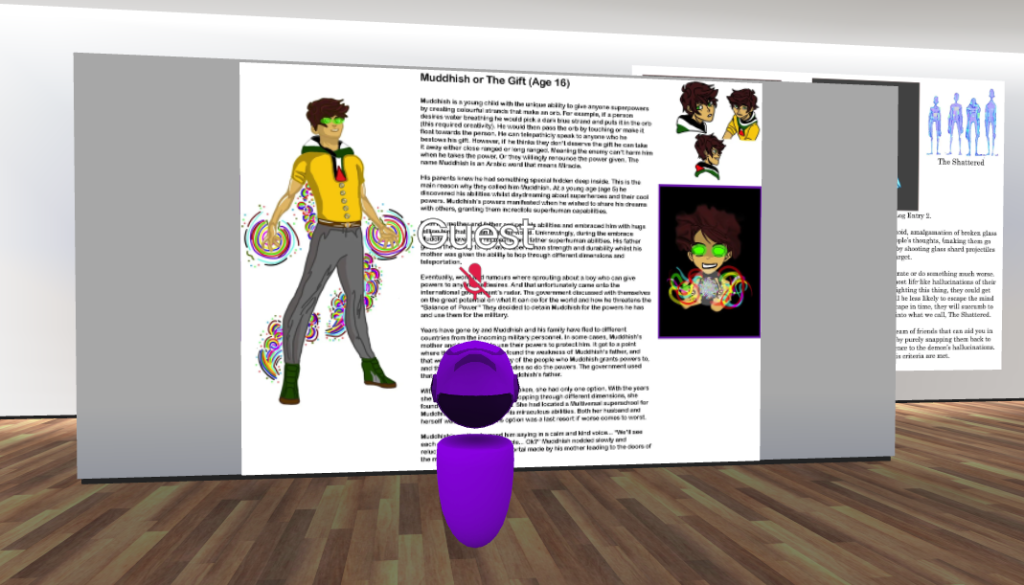
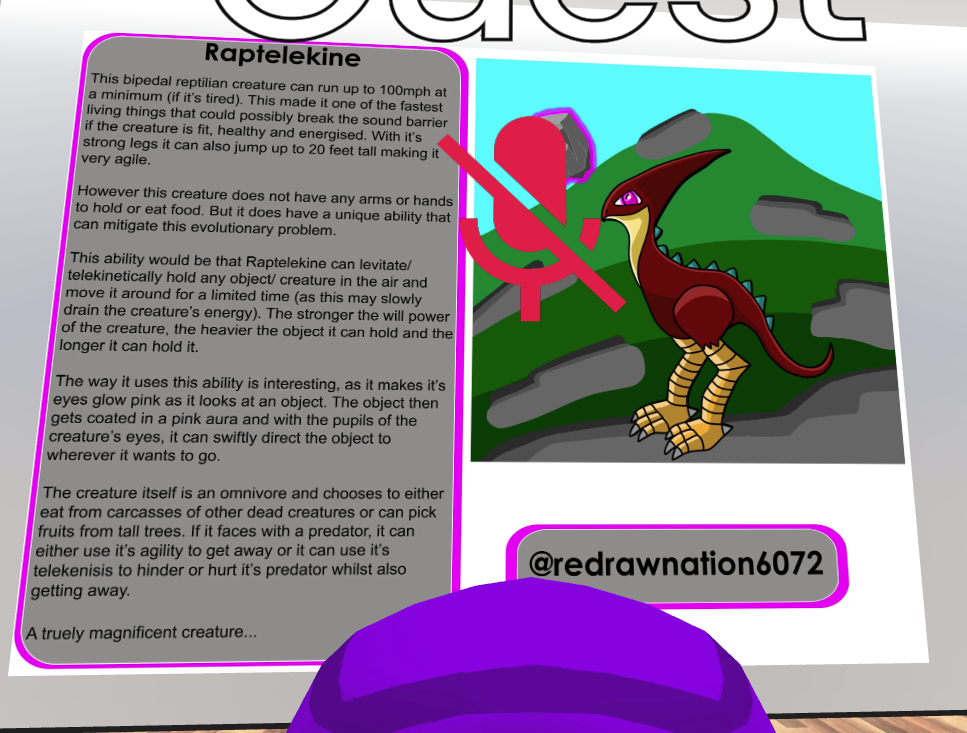
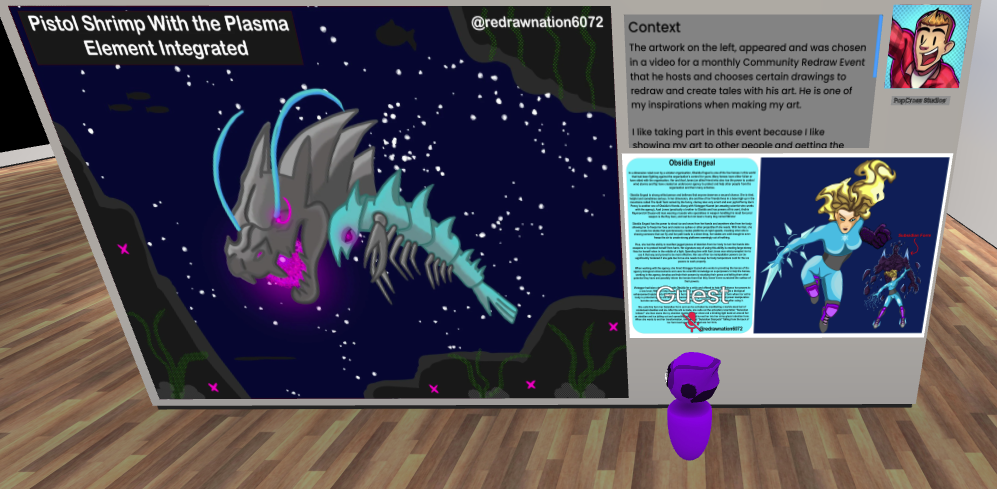
Pokémon Related Art
Videos
Models
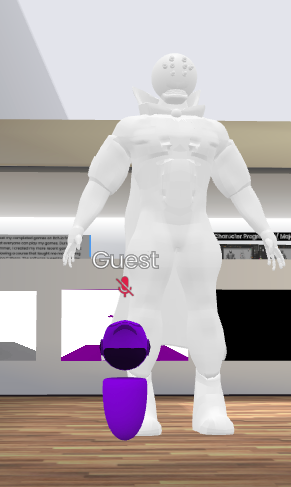
Interactive Experiences
Do I plan to use this website again for my Final Project?
Maybe. Using this website for the first time made me realise that I really enjoyed experiencing this website. It made me remember why I like doing art and drawings, loving the feeling of my skill being recognised and put on museum like scene. Which also makes me even more proud of my artworks.
Advantages:
- I had a fun time experiencing with this website
- Made me look back at my art and felt an overwhelming sense of accomplishment.
- I have quickly learned the basics of the website
- Like the idea of an interactive portfolio as a general (seeing other people’s portfolios makes me more inspired)
- Loved receiving praise for the art and the way I presented it.
Disadvantages:
- Limitations to what art I can show in terms of the asset size
- Other people have different tastes when it comes to art
- The fact that only 8 people can view your work at a time is disappointing when wanting show the portfolio to a wider audience
Which Software will I consider Using more?
I will defiantly use the WebVR interactive portfolio maker more for my future not necessarily for the final project.
References
Websites
Dadson, C. (2023) What is Web VR? Virtual Reality directly from the browser. Design4Real. Available online: https://design4real.de/en/what-is-web-vr/ [Accessed 22 Oct. 2024].
GCF Global (2020) The Now: What is 360 Video? GCFGlobal.org. Available online: https://edu.gcfglobal.org/en/thenow/what-is-360-video/1/ [Accessed 22 Oct. 2024].
Sheldon, R. (2022) What is Virtual Reality? Tech Target. Available online: https://www.techtarget.com/whatis/definition/virtual-reality [Accessed 22 Oct. 2024].
thompson, alex (2016) Virtual Reality vs 360 Video | Pros and Cons | Blog | AMA. A Marketing Agency | Digital Marketing Leeds. Available online: https://weareama.com/virtual-reality-vs-360-video/ [Accessed 22 Oct. 2024].