This is my game: https://sair-strike.itch.io/astral-assailants
For this task, I started off the space invaders game by following the videos to the point. The videos were easy to follow and I went through each and every step to get the best outcome. There were significantly less videos than the cookie clicker module.
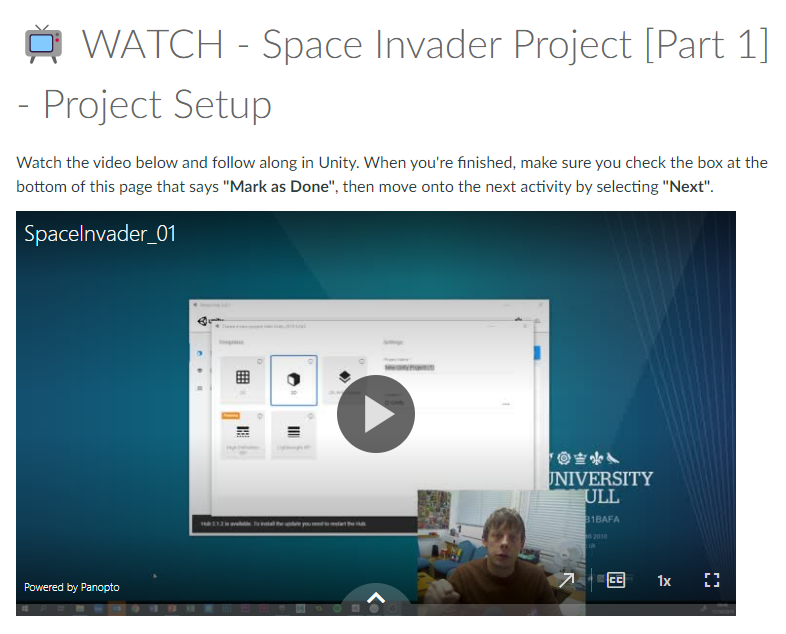
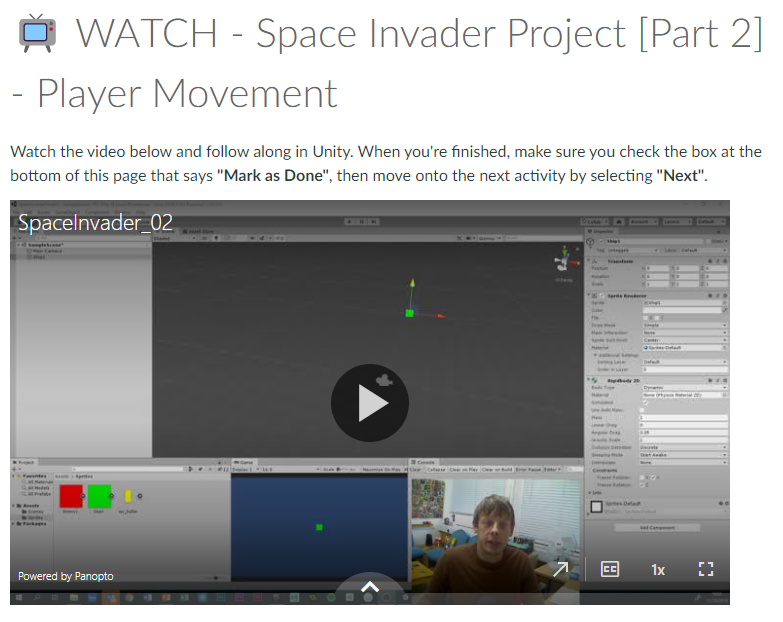
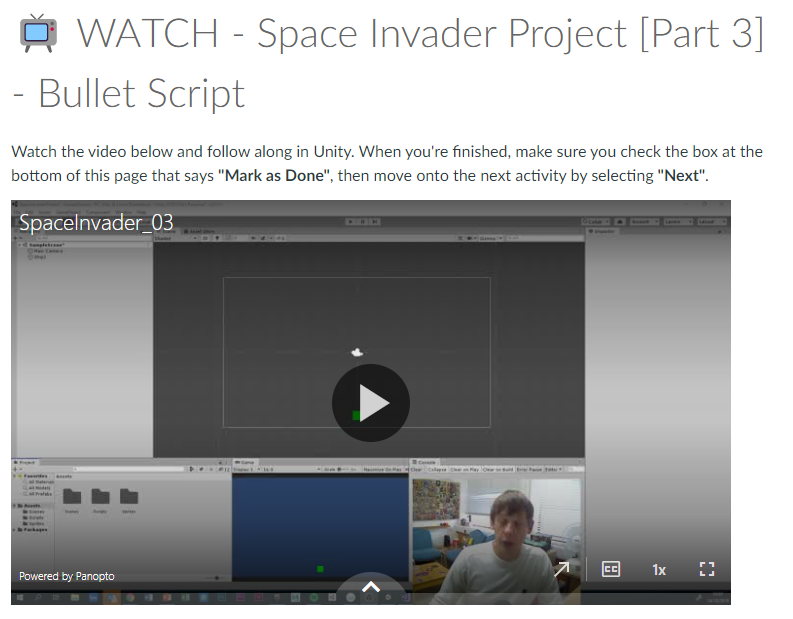
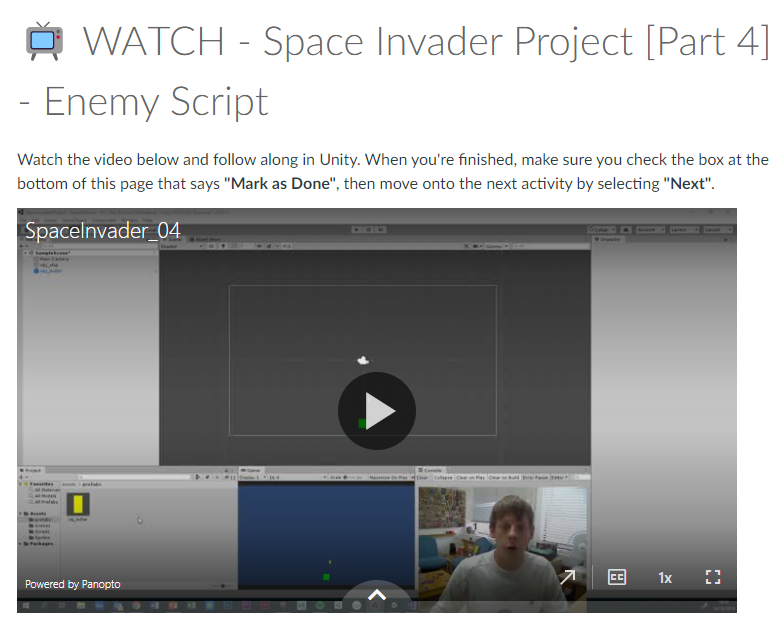
Those videos above helped me understand the process of creating the space invader game and surprisingly, I managed to make a fully functional game with little problems. The videos taught me how to make create behaviours for the player, enemy and the bullet. I used scripts to create the mechanics of the game. I made a Player behaviour script, an Enemy behaviour script and a Bullet behaviour script. Using a bit of my knowledge from the cookie clicker game, I felt more confident in making the space invaders game. Also with the help of the videos shown to me I was able to create the scripts with ease.
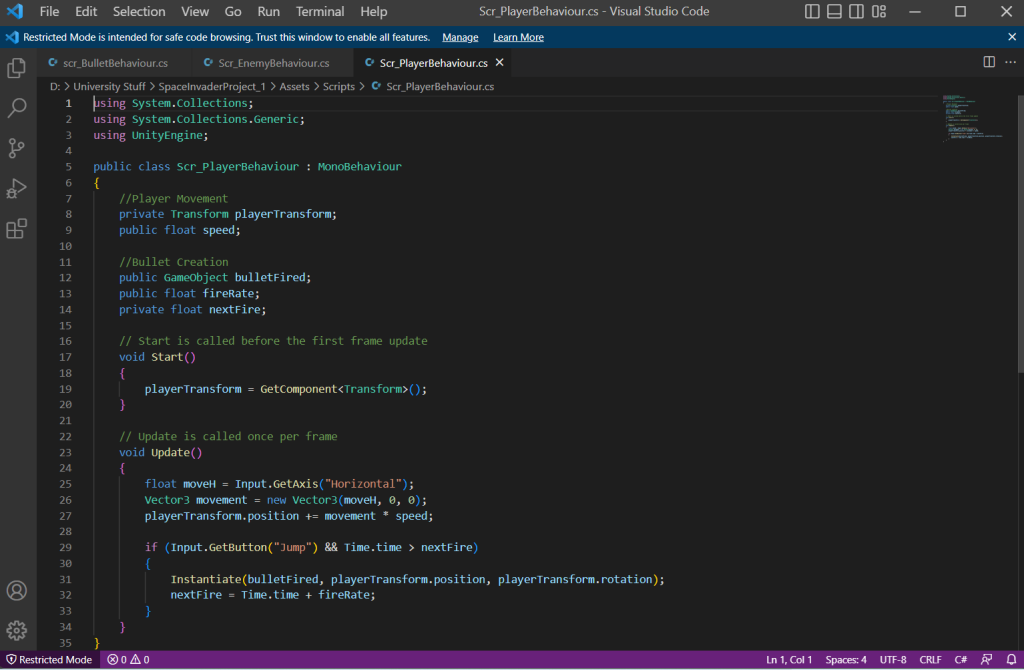
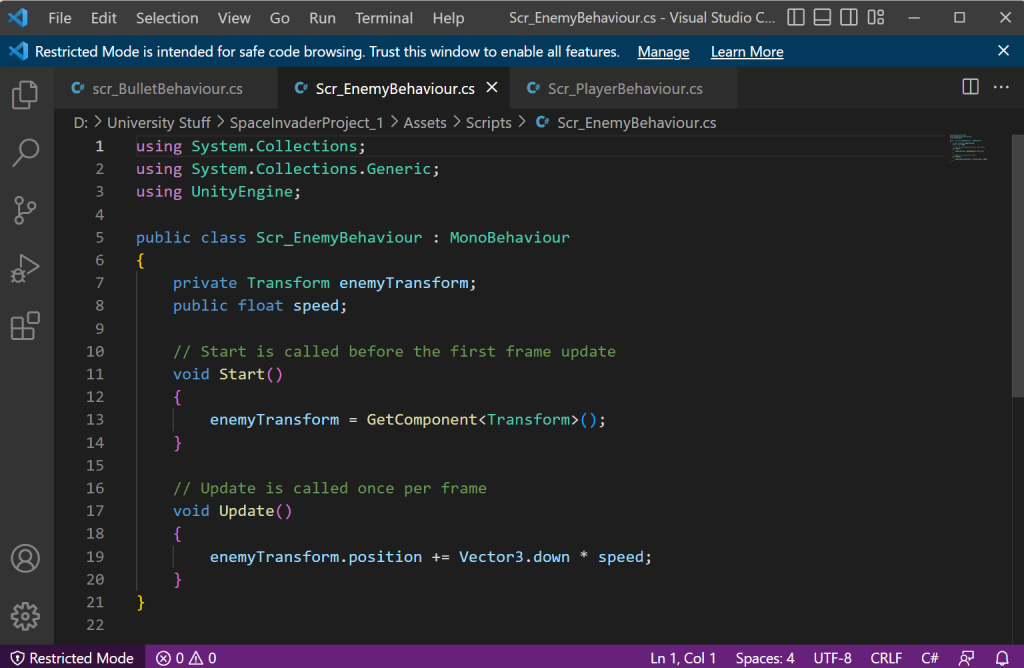
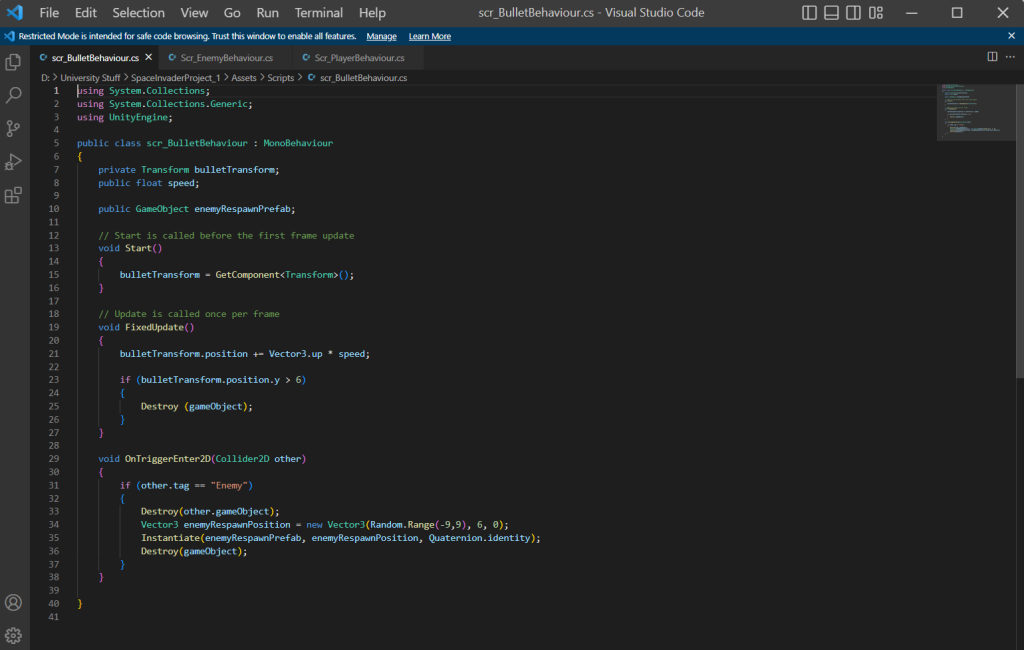
I followed the video tutorials given by my lecturer and made a functional basic space invaders game. Overall it was easy and I had very few issues with the making of the game. The video steps given to me to make this game is so easy to understand I managed to make this game within a day. I felt that I can do more even though I completed every task. Examples of doing more is making the game look good by creating ship sprites and make the enemy ships respawn back on top of screen when they hit the bottom of the screen. Those small things (that is not mandatory to add) could make my game slightly better and could help me learn more on how to make my own games.
I have successfully given my player character a customised spaceship and have assigned the sprite onto the the player and it was successful. The enemies however, is harder to implement the sprite because when the player shoots them, the image reverts back to it’s original size when it was implemented. Secondly, I tried to make the enemy ships respawn when they hit a certain co-ordinate on the y-axis by creating the same line of code from scratch using inspiration from the bullet behaviour script where it destroys the bullet when it reaches at a certain co-ordinate on the y-axis. But that didn’t work. I plan to solve these issues by showing my lectures the issue and go through with them on completing the game and putting it on Itch.io.
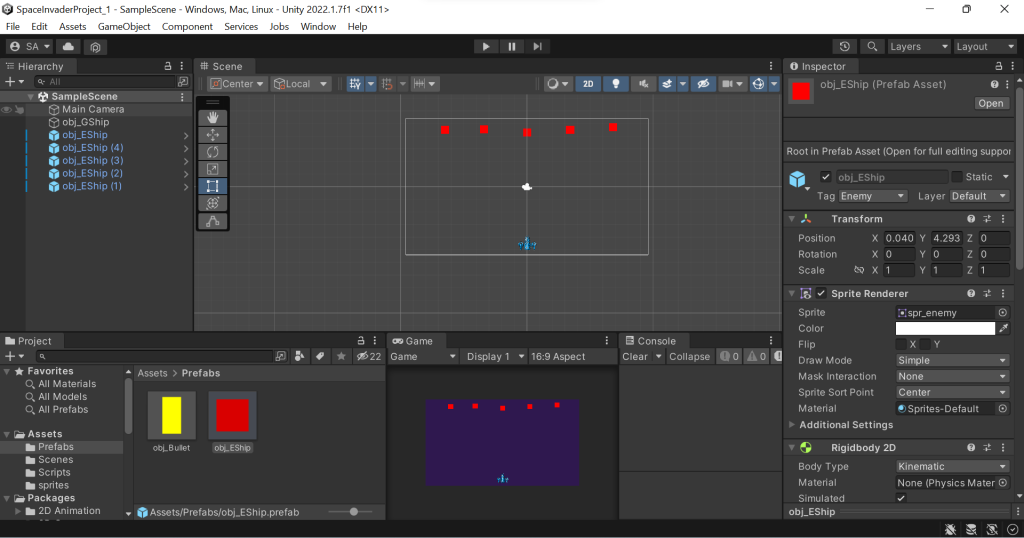
I have managed and succeeded in implementing new features that would make my game look and feel better to play. The first addition was to give the enemy and the player a new look. I have found an image for the player and the enemy on the internet. I have also edited the those images and added my own creativity within them. For example, the player and the enemy have different colour pallets. Blue for the Player and Red for the enemy. Blue mainly signifies sincerity, loyalty and good. Red on the other hand, signifies danger, anger and evil.
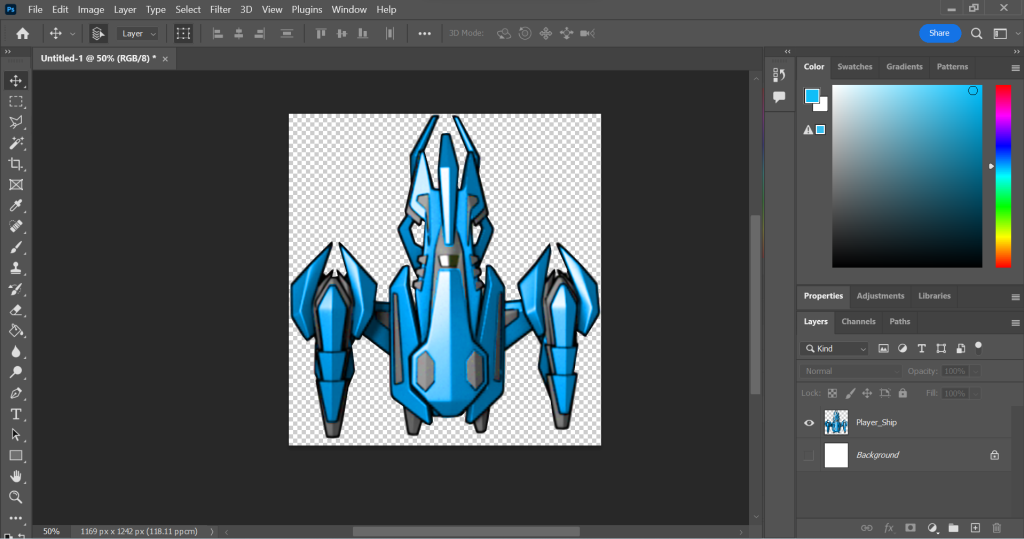
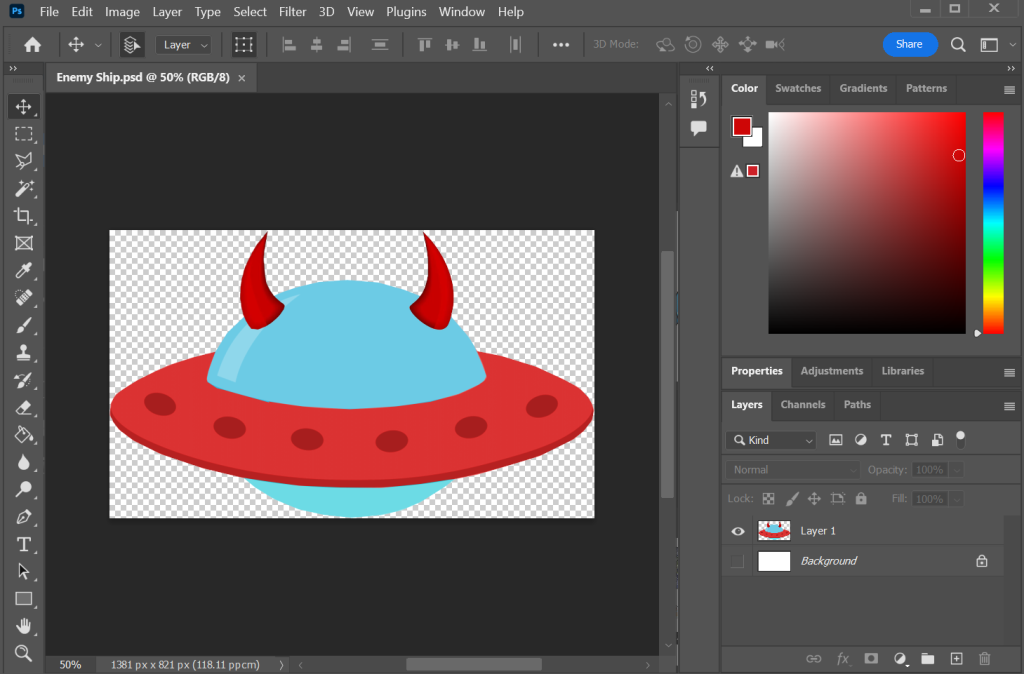
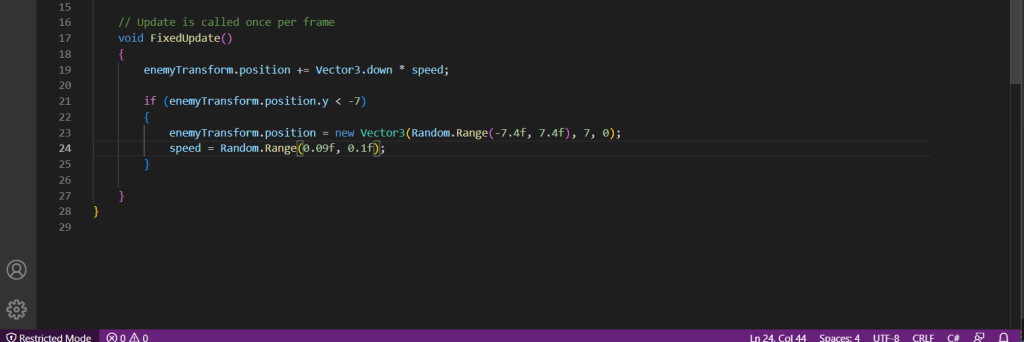
Implementing the image onto the enemy prefabs was an easy process. I drag the image into the sprite and change the size in the prefab transform scale tool. Also when it spawns, it stays the same size after I shoot it. I also added a function within the Enemy behaviour script and written a line of script so that every time the enemy reaches at a certain point on the y-axis the enemy respawns above the screen at a certain y-axis. This is what the code new line looks like:
Now that I have fully made a game, I went through the process of putting it on a website. I have followed the previous tutorials on how to do so and have successfully posted my game on the website. Overall, I enjoyed making the Space invaders game and it helped me understand more about scripting and visuals within the unity software. I am also proud of my self in the outcome of the game.
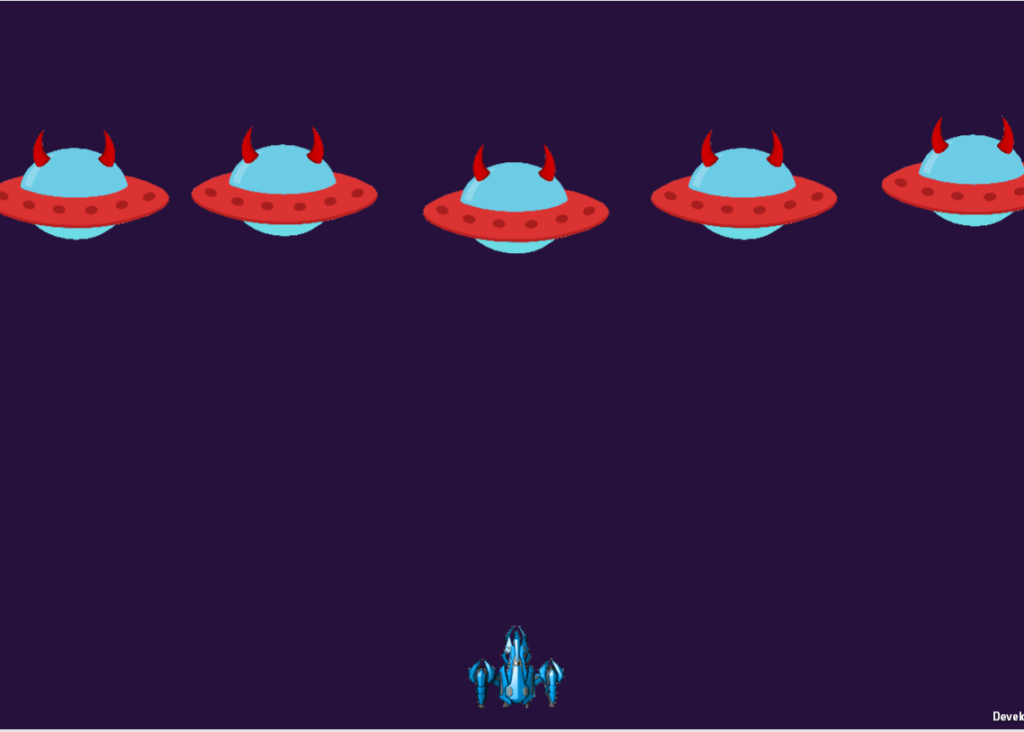
I have shared my game with my family and I got a range of feedback. Those include: the game will be better if it had a pointing system. They felt that there should be a consequence to what happens when enemy ships touch the player resulting the player feeling more engaged to play the game. All the adrenaline that your player can get destroyed by the enemy ships is key for engaging the player and making the person feel that it’s important to be protected by moving left and right and avoid being destroyed but in reality the enemy just phases through the player and does nothing.
They included that there should be boundaries for how far (to the left or to the right) the player can go in the game. The issue is that the player can go infinitely left or right and go off screen when playing the game.
They said a variety of enemies and creating a pointing system that adds different amount of points depending on the type of enemy. For example, smaller ships are harder to hit and therefore gives more points than the normal one when shot. They also suggested different colours for the different enemy types to make the game more engaging.
Furthermore, they talked about how that the game can look more interesting if there is an effect when the enemy space ships get shot. Like a mini explosion particle effect. Lastly, in terms of the audio, some preferred the game to be mute and others preferred it to have music to make it memorable.
Overall I have enjoyed making the game and going through a process of creating it’s functions. I did have struggles, but I have overcome them and learned from them.